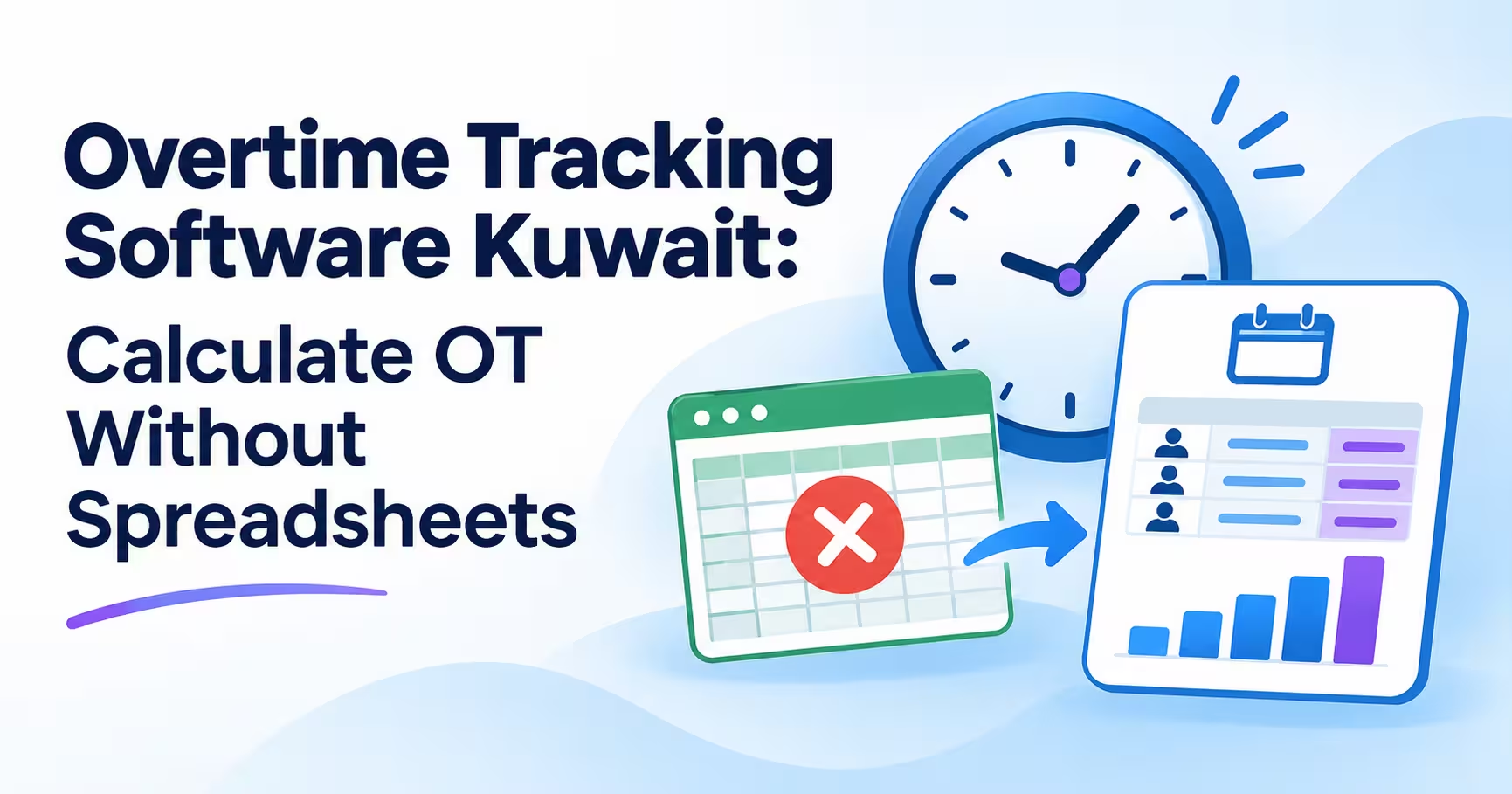

Overtime is one of the most disputed lines in any payroll. Managers approve extra hours verbally, employees remember a different number, and HR rebuilds the month in a spreadsheet from punch exports. Overtime tracking software Kuwait businesses use removes that guesswork: it compares real attendance against each employee’s shift, calculates the extra hours automatically and produces a monthly overtime report ready for payroll. This guide explains how it works, what to configure and what to check before you buy.
In this guide
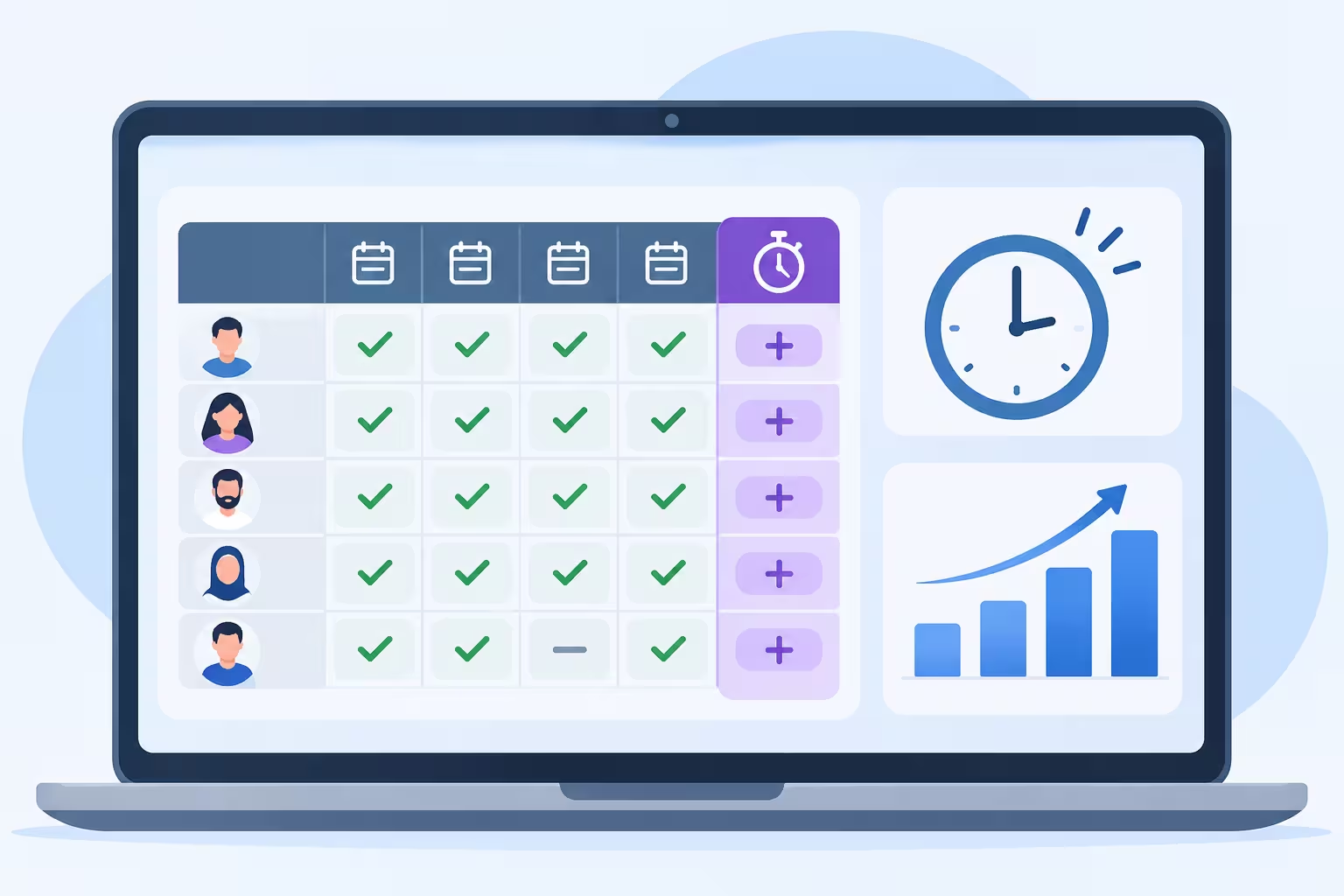
Why Spreadsheets Fail for Overtime
- Manual entry errors. Copying punch times into a sheet invites typing mistakes and missed rows.
- No link to shifts. The sheet does not know who works which shift, so extra hours are guessed.
- Slow month-end. HR spends days checking totals before payroll can start.
- Disputes. Employees and managers cannot easily trace how a number was reached.
- Version problems. Several copies of the file lead to several different totals.
How Automatic Overtime Works
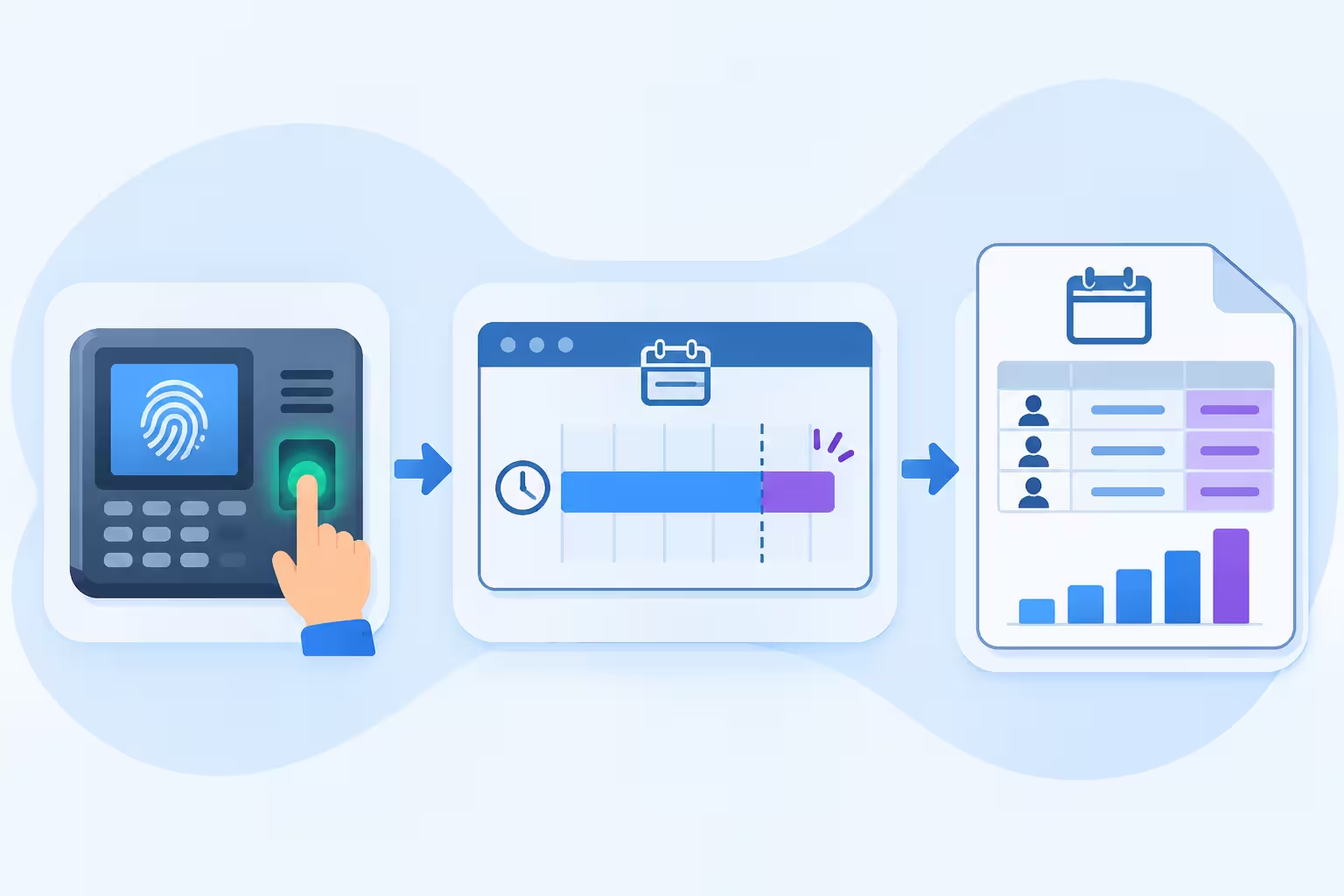
Automatic overtime depends on three things already being in place: a defined shift, reliable punch data and clear rules. The software then does the calculation for you.
- Employee punches in and out by fingerprint, face or another method.
- The system finds the assigned shift for that employee and date.
- It compares worked time with scheduled time.
- Extra time beyond your rules is recorded as overtime, with the date and shift.
- Totals roll into a monthly report for review and payroll.
Rules You Need to Define
The software only applies the rules you give it. Decide these before you set it up, and confirm them against your contracts and applicable labour rules.
| Rule | Question to Answer |
|---|---|
| Start threshold | How many minutes past the shift end before overtime starts counting? |
| Rounding | Is overtime rounded, for example to the nearest 15 or 30 minutes, or counted exactly? |
| Approval | Does all extra time count, or only hours a manager approved? |
| Day type | Are weekdays, weekly off days and public holidays treated differently? |
| Daily or monthly cap | Is there a maximum number of overtime hours? |
| Who is eligible? | Which employees or grades can earn overtime? |
| Payment method | Is it paid or taken as time off? |
The Monthly Overtime Report
A good monthly overtime report turns thousands of punches into something HR and finance can review in minutes. It should show:
- Overtime hours per employee for the month.
- A breakdown by day, with the shift and the punch times behind each entry.
- Totals by department, branch, or cost center.
- Weekday, off-day, and holiday overtime are separated where your policy requires it.
- An export to Excel or PDF for payroll and for management sign-off.
| Task | With Spreadsheets | With Overtime Software |
|---|---|---|
| Collect punches | Export and paste from devices. | Already in the system. |
| Match to shifts | Manual lookup. | Automatic. |
| Calculate extra hours | Formulas that break easily. | Rules applied the same way every day. |
| Resolve a dispute | Search old files. | Open the day and see the punches. |
| Month-end report | Hours or days of checking. | Generated on demand. |
Overtime Tracking Software Kuwait: Features to Look For
- Shift-aware calculation, including overnight shifts that cross midnight.
- Configurable rules for thresholds, rounding, caps and day types.
- Optional approval flow so managers confirm extra hours before they reach payroll.
- Audit trail showing who changed or approved an entry.
- Manual correction for missed punches, with a recorded reason.
- Department and branch reports for multi-site companies.
- Export in a format your payroll or accounting system can use.
- Arabic and English reports and screens.
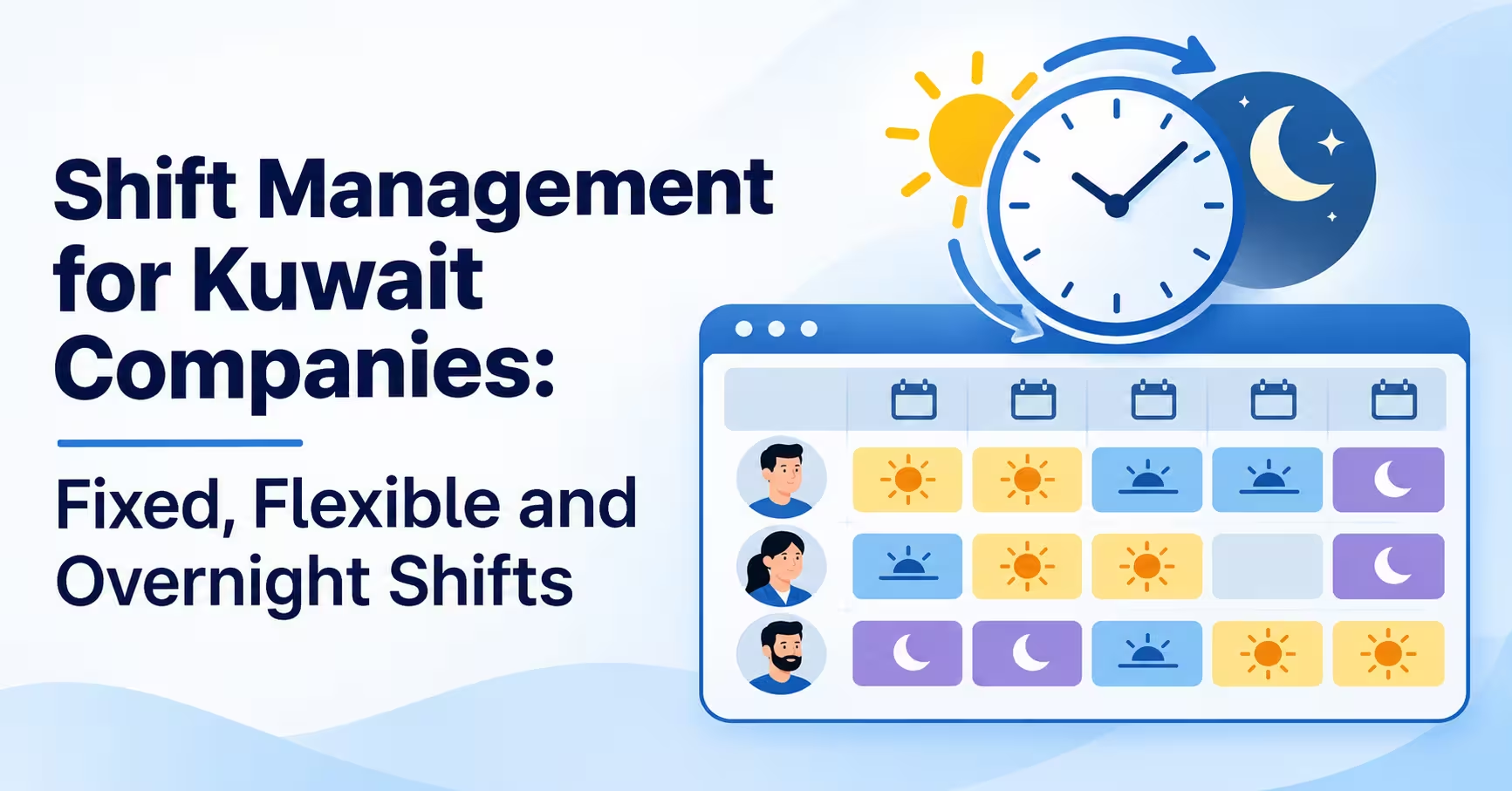
Overtime depends on correct shifts, so read our guide to shift management software in Kuwait first if your schedules are still messy.
What This Means for Kuwait Companies
- Labour rules apply. Overtime pay, working-hour limits and holiday work are covered by Kuwaiti labour regulations and your contracts. Confirm the details with your HR or legal adviser, then configure the software to match.
- Ramadan hours. Reduced working hours change what counts as overtime. Use separate shift templates for the period.
- Weekly off days and holidays. Work on these days is often treated differently, so the system should separate it.
- Mixed teams. Office, retail, security and site staff rarely share overtime rules. Set them by group.
- Payroll in KWD. Export hours to payroll, where rates and amounts are calculated under your own policy.
How RightTime Handles Overtime
RightTime by Merak Tech is a time attendance solution. According to its specification, it calculates overtime automatically from attendance and produces a monthly overtime report. Merak Tech can show you the exact overtime options and report layout for your setup in a demo.
How to Set Up Overtime Tracking Software Kuwait
- Write your overtime policy. Thresholds, rounding, approval, caps, and day types.
- Define shifts first. Overtime is only as accurate as the schedule behind it.
- Configure the rules in the system by employee group where needed.
- Test with real cases. A normal day, a late finish, an off-day shift, and a night shift.
- Run one month in parallel. Compare the system report with your old spreadsheet and explain every difference.
- Tell employees how it works. Share the rules and show them where to see their hours.
- Review monthly. Look for repeated overtime in one team, which may signal a staffing problem.
Common Mistakes
- Counting every extra minute without approval, which inflates cost.
- Skipping shift setup, so overtime is measured against the wrong hours.
- No rule for missed punches, leading to arguments at month-end.
- One policy for everyone when groups have different terms.
- Not testing night shifts before the first payroll.
- Never reviewing the report, so avoidable overtime continues for months.
Frequently Asked Questions
What is overtime tracking software Kuwait companies use?
It is software that compares actual attendance with scheduled shifts, calculates extra hours using your rules and reports them for review and payroll.
Can it calculate overtime automatically?
Yes, once shifts and rules are configured. The system calculates it from punch data every day, with no manual spreadsheet work.
Can managers approve overtime before it is paid?
Many systems support an approval step. Ask the provider how approval works and whether unapproved hours are kept separate.
Does it handle night shifts and holidays?
It should. Check that overnight shifts are treated as one record and that off days and holidays can have their own rules.
What does the monthly overtime report include?
Usually hours per employee, daily detail, department totals and an export for payroll. Ask for a sample report during a demo.
Does the software decide overtime pay rates?
The software applies the rules you configure. Pay rates and legal entitlements should be confirmed with your HR or legal adviser.
Final Thoughts
Good overtime tracking software Kuwait companies can trust does three things: it measures extra hours against the right shift, it applies your written rules consistently, and it gives you a monthly report you can explain line by line. Start with your policy, set up shifts, run one month in parallel with your spreadsheet and move to automatic overtime once the numbers match.
Ready to stop calculating overtime by hand?
Talk to Merak Tech about RightTime, automatic overtime and your monthly reports, and request a demo. Contact us here.