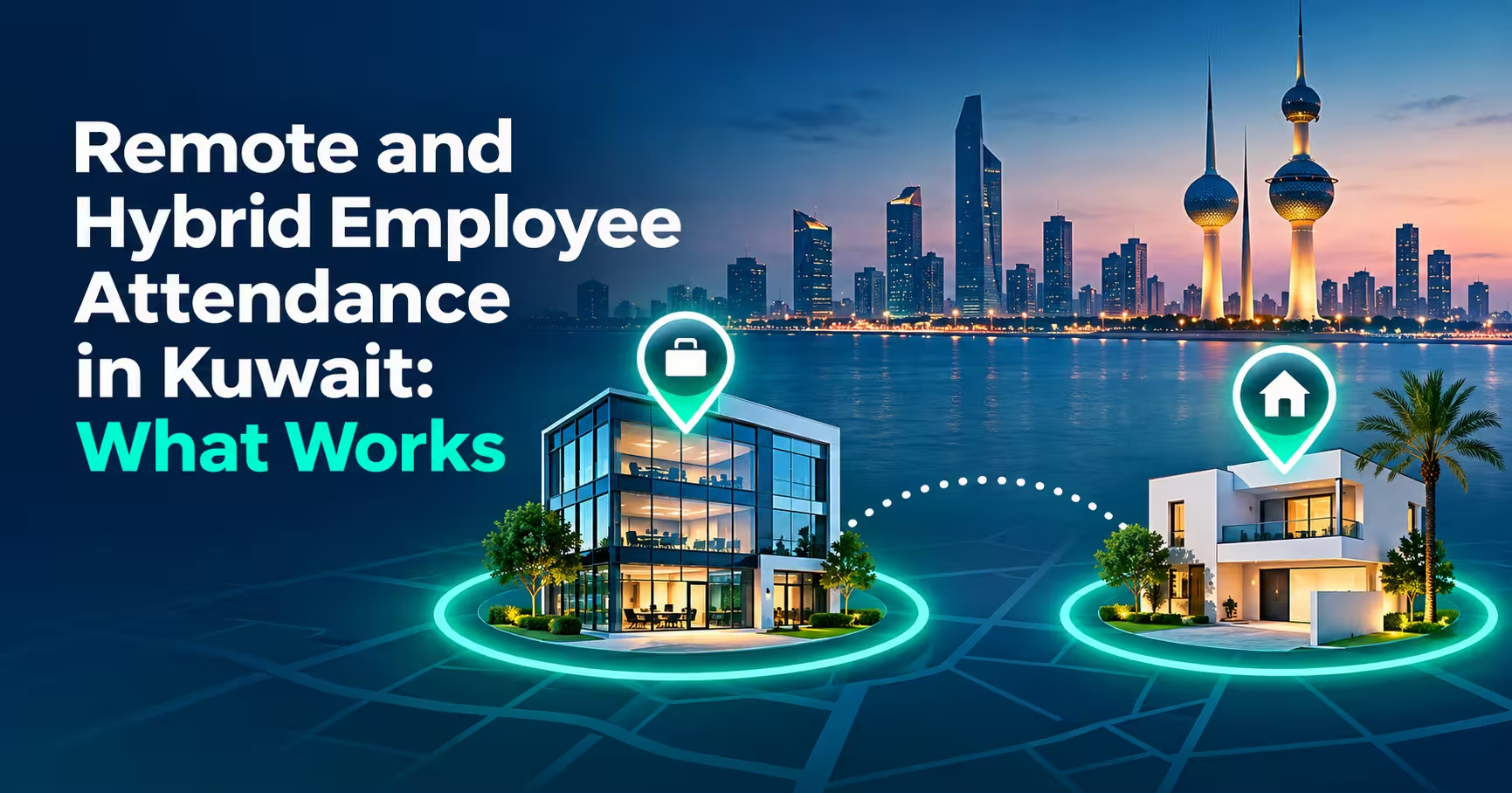

Remote employee attendance Kuwait companies need to manage is now a normal part of HR, not an exception. Hybrid schedules, work-from-home days and flexible hours are common, and managers still need accurate records for payroll, overtime and accountability. This guide explains what works for remote and hybrid attendance, where manual methods fail, and how RightTime by Merak Tech uses home geofencing and per-employee permissions to keep records fair and reliable.
In this guide
- The Challenge With Remote and Hybrid Attendance
- What Actually Works
- Home Geofencing Explained
- Per-Employee Permissions
- Flexible Shifts and Hours-Based Rules
- A Sample Hybrid Week
- Verification: Location, Face and Review
- Writing a Fair Remote Attendance Policy
- Privacy and Trust
- Common Mistakes
- Frequently Asked Questions
- Final Thoughts
The Challenge With Remote and Hybrid Attendance
Remote work breaks the simplest attendance method: a fingerprint machine at the office door. When people work from home, three problems appear:
- No record: remote days are tracked by a message or an email, if at all.
- Inconsistency: office staff are tracked precisely, remote staff loosely, which feels unfair to both groups.
- Payroll gaps: overtime, late arrivals and leave are hard to calculate when remote days are not recorded the same way.
- Trust issues: managers cannot tell whether a remote punch was real, and employees worry they will be doubted.
What Actually Works
| Method | Works for Remote Staff? | Notes |
|---|---|---|
| Manual timesheets | Weak | Easy to fill in after the fact, and hard to verify. |
| Messages or emails | Weak | Creates no reliable record for payroll. |
| Fingerprint terminal only | No | Cannot be used away from the device. |
| Mobile punch with no checks | Partly | Convenient, but easy to misuse from anywhere. |
| Mobile punch with home geofence | Yes | Accepts punches only from the approved home area. |
| Geofence plus live face check | Yes, strongest | Confirms both place and person. |
Home Geofencing Explained
Home geofencing registers each employee’s approved home location and a radius around it. The employee can punch from the mobile app only when their phone is inside that area. If they are outside, the punch is not accepted.
- Per-employee location: every person has their own registered location, not a shared one.
- Pre-approved radius: HR decides how large the allowed area is, so normal movement inside the home or building still works.
- Remote and hybrid check-ins: staff on work-from-home days punch the same way as in the office, from their phone.
- One set of records: remote days appear in the same reports as office days.
For how the office, home and field modes fit together, see our guide to GPS attendance in Kuwait.
Per-Employee Permissions
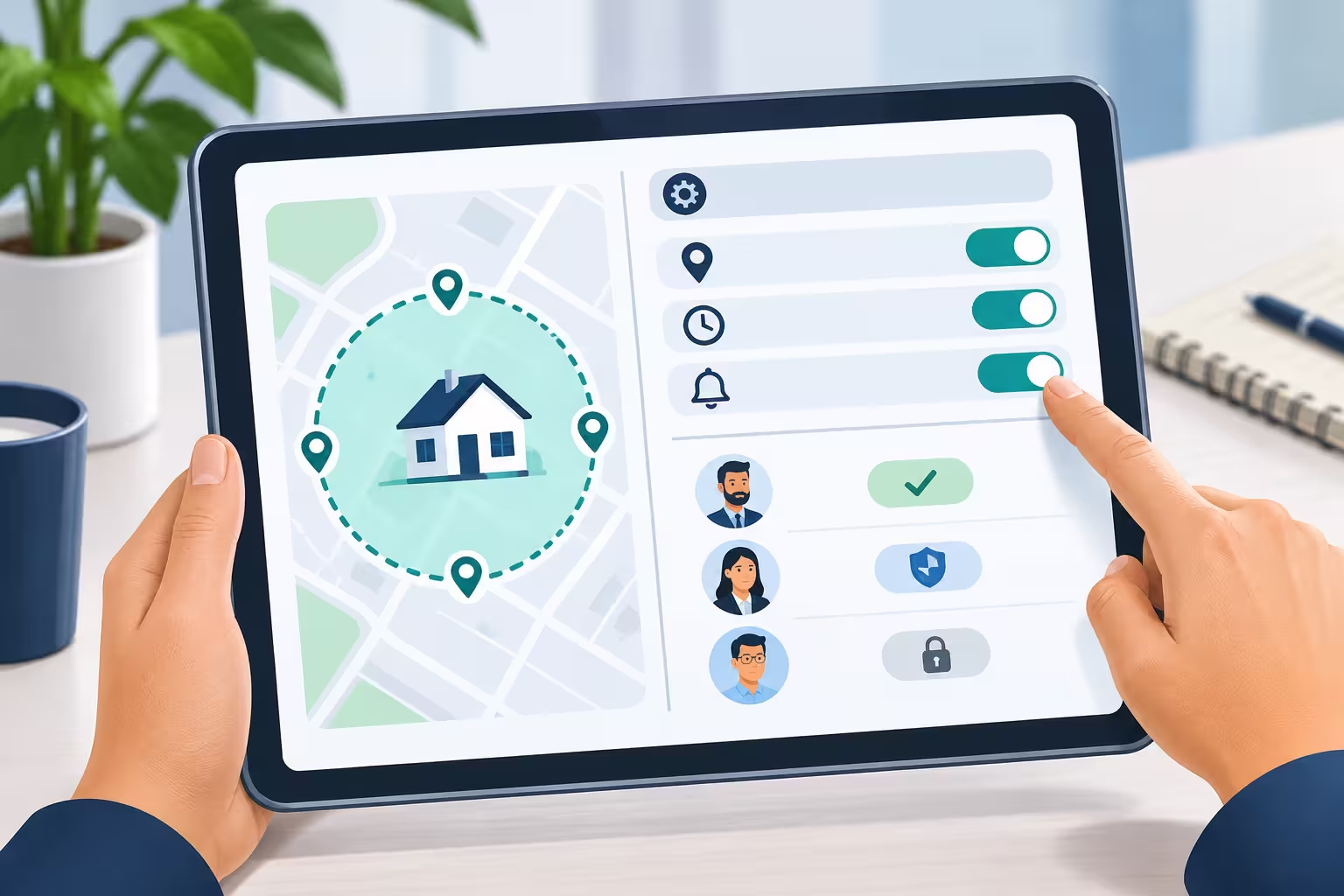
Not every employee should be able to punch remotely, so permissions matter. Administrators can control them without waiting for a software update:
| Control | What It Does |
|---|---|
| Mobile punching permission | Decides whether a person can submit punches from the mobile app. If it is off, the app shows their logs in read-only mode. |
| Home geofence | Registers the approved home area for hybrid and remote staff. |
| AI face detection | Requires a live face check before a punch is accepted. See our guide to face recognition attendance in Kuwait. |
This lets HR give a full-time office employee, a hybrid analyst, and a remote consultant three different setups inside the same system.
Flexible Shifts and Hours-Based Rules
Remote and hybrid teams often do not follow a rigid 8-to-5 pattern. A good attendance system supports that:
- Flexible shifts: dynamic arrival and departure windows instead of one fixed start time.
- Minimum hours: a required number of hours for a full day or half day, so the day counts based on time worked.
- Automatic overtime: time above the target hours is calculated for you.
- Grace periods: small tolerances for late arrivals on fixed shifts.
- Different rules per group: fixed shifts for office teams, flexible shifts for remote staff.
A Sample Hybrid Week
| Day | Where | How Attendance Is Recorded |
|---|---|---|
| Sunday | Office | Fingerprint terminal or office geofence punch. |
| Monday | Home | Mobile punch inside the home geofence, plus a face check if enabled. |
| Tuesday | Office | Fingerprint terminal or office geofence punch. |
| Wednesday | Home | Mobile punch inside the home geofence. |
| Thursday | Office | Fingerprint terminal or office geofence punch. |
The employee sees one consistent process, and HR sees one set of reports covering every day.
Verification: Location, Face, and Review
Trust works better when it is backed by simple checks:
- Location: the home geofence confirms the punch happens in the approved area.
- Person: an optional live face check confirms the right employee is punching.
- Audit trail: raw punch records stay unchanged. When HR edits a timecard, the system records who changed it, the original and adjusted time, the reason and the timestamp.
- Late alerts: HR can receive notifications when a punch comes in after the shift start plus the grace period, and this can be set per department.
Writing a Fair Remote Attendance Policy
- Define who can work remotely and on which days.
- Explain how attendance is recorded on remote days, including the app, the home location and any face check.
- Set working hours or minimum hours for remote and hybrid roles.
- Describe the exception process for signal problems, power cuts and travel.
- Define how a home location is changed, for example when an employee moves.
- State who can see the data and how long it is kept.
- Review the policy after a trial period and adjust it with feedback from managers and staff.
Privacy and Trust
Home location is personal data, so approach it carefully:
- Collect the home location with the employee’s knowledge, and explain exactly why it is needed.
- Use it only for attendance, and do not repurpose it for unrelated tracking.
- Limit who can view it, and keep access logs where possible.
- Be open about what is recorded and when, so employees do not feel watched.
- Offer a fair alternative where someone cannot or prefers not to use a particular method.
- Review local data protection requirements, and take legal advice if you are unsure.
Common Mistakes
- Tracking office staff precisely and remote staff loosely, which creates resentment.
- Allowing mobile punching from anywhere with no location check.
- Giving every employee the same permissions regardless of role.
- Using strict fixed hours for people on flexible schedules.
- No exception process, so a power cut becomes a disciplinary issue.
- Collecting home locations without explaining why.
- Never updating an employee’s registered location after they move.
Frequently Asked Questions
How can I track remote employee attendance in Kuwait?
Use a mobile attendance app that checks location and, if needed, the person. RightTime supports home geofencing, where the employee can punch only from within an approved radius around their registered home location.
Can hybrid employees use both the office and home?
Yes. They can punch at the office terminal or office geofence on office days, and from the home geofence on remote days, all in the same system.
Can I choose who is allowed to punch from a phone?
Yes. Mobile punching permission is set per employee. If it is off, the app shows the employee’s logs in read-only mode.
How do flexible work hours fit into attendance?
Flexible shifts use arrival and departure windows and minimum required hours for a full or half day, with overtime calculated above target hours.
Can I stop someone else from punching for a remote employee?
Combining the home geofence with a live face check makes it much harder. HR can also review exceptions and audit trails.
Is a home address private data?
Yes, treat it as personal data. Explain why it is collected, limit access and follow your local data protection requirements.
Final Thoughts
What works for remote employee attendance Kuwait organizations can sustain is consistency: the same recording method for every working day, rules matched to each role, and light verification that protects both the company and honest employees. Register approved home locations, set per-employee permissions, use flexible shift rules for flexible roles, and be open about what is recorded. That keeps hybrid work productive and the records trustworthy.
Want to manage remote and hybrid attendance with RightTime?
Request a free consultation or demo from Merak Tech. Contact us here.