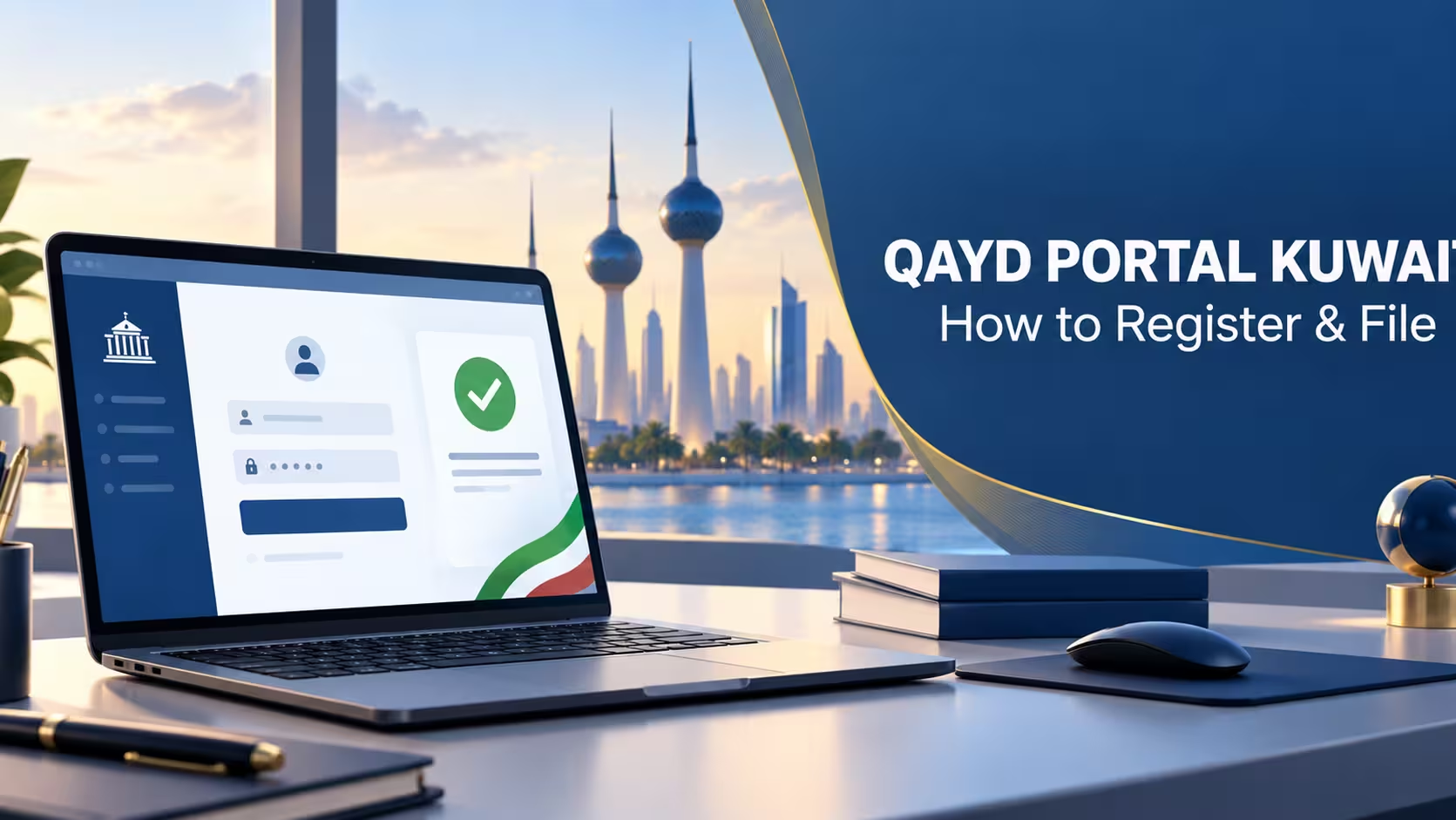

Qayd portal Kuwait registration is the first step every business needs to take before the XBRL filing mandate becomes unavoidable. The portal — found at qayd.moci.gov.kw—is the Ministry of Commerce and Industry’s official platform for submitting financial statements digitally, and getting registered early means you’re not scrambling to figure it out under deadline pressure.
This guide walks through what the Qayd portal is, how registration generally works, and what to have ready before you log in for the first time.
In This Guide:

What Is the Qayd Portal?
The Qayd portal (qayd.moci.gov.kw) is Kuwait’s official electronic platform for filing financial statements in XBRL format. It was launched by the Ministry of Commerce and Industry in cooperation with the Kuwaiti Association of Accountants and Auditors, and it’s the only approved channel for this type of filing—not a third-party tool or an optional add-on.
Filing through the Qayd portal is voluntary throughout 2026 and becomes mandatory starting 2027 for all registered legal entities in Kuwait, from sole proprietorships to joint-stock companies.
New to the topic? Start here: XBRL Qayd Kuwait: The Complete 2027 Compliance Guide
Before You Start: What to Have Ready
Registering on the Qayd portal goes faster if you have the right information on hand before you begin. Typically, this includes:
- Commercial registration (CR) number—your company’s official registration with the Ministry of Commerce
- Authorized signatory details—the person legally authorized to submit filings on the company’s behalf
- Civil ID / government digital identity access—Kuwaiti government portals typically authenticate through the national digital identity system used across e-government services
- Latest financial statements—even in draft form, so you know what data you’ll eventually need to tag
- Your accounting system’s export capability—confirm whether it can already produce an XBRL file, or whether you’ll need a module or migration first
How to Register on the Qayd Portal
While the exact screens can change as the Ministry refines the platform, the general registration flow on the Qayd portal follows this pattern:
| Step | What Happens |
|---|---|
| 1. Visit the portal. | Go to qayd.moci.gov.kw and locate the registration or new-user option. |
| 2. Authenticate | Log in using your government digital identity credentials, as with other Kuwait e-government portals. |
| 3. Link your company. | Enter your commercial registration number to associate your business profile with the portal. |
| 4. Confirm authorized signatory | Designate who is authorized to submit and certify filings for the company. |
| 5. Review company details. | Confirm legal entity type, since this affects which taxonomy and reporting requirements apply. |
Because the portal is still in its early rollout phase, it’s worth registering during the voluntary window rather than waiting—that way, if a step doesn’t behave as expected, you’re troubleshooting it without a deadline hanging over you.
How Filing Works Once You’re Registered
Once registered on the Qayd portal, the actual filing process depends heavily on whether your accounting system can already export a valid XBRL file. Businesses generally fall into one of two positions:
- System-ready: Your accounting software (like a properly configured Odoo instance) generates an XBRL file mapped to the correct taxonomy, which you then upload directly to the portal for validation.
- Not system-ready: You’ll need to either implement an XBRL export module, migrate to a system that supports it, or manually convert your statements—all of which take considerably longer than a direct upload.
Check where your system stands: Is Your Accounting System Qayd-Ready?
Common Registration Issues
A few things tend to trip up first-time users on new government portals like this one:
- Mismatched company details between the ministry’s records and what you enter can delay verification
- Authorized signatory disputes—if the wrong person is listed as authorized, filings can bounce back for re-approval
- Digital identity login issues—the same account problems that affect other Kuwait e-government logins can affect Qayd portal access too
Testing your registration and a sample upload during the voluntary period is the best way to catch these issues while there’s still time to fix them.
Frequently Asked Questions
Is registration on the Qayd portal mandatory right now?
Registration and filing are both optional during the voluntary phase through 2026. They become mandatory starting 2027.
Can my accountant or auditor register on my behalf?
The authorized signatory is generally someone with legal authority to act for the company, but your accountant or auditor can often assist with the technical steps—check the portal’s specific role settings for your entity type.
What happens if I make a mistake during registration?
Registering during the voluntary window gives you room to correct errors without deadline pressure. It’s part of why early registration on the Qayd portal is worth doing well before 2027.
Do I need special software to register on the Qayd portal?
No special software is needed to register—a standard web browser is enough. Software matters more at the filing stage, when you need to generate a valid XBRL file to upload.
Need Help Getting Registered and System-Ready?
MerakTech helps Kuwait businesses register on the Qayd portal and configure Odoo to generate Qayd-ready XBRL filings from day one.