
A restaurant POS system Kuwait owners can rely on does much more than take orders. It accepts KNET and card payments, pulls delivery orders from apps like Talabat into the same screen, and keeps your inventory in step with every sale. This guide explains what to look for, how KNET, Talabat, and inventory integration should work, and what drives the cost.
In this guide
- What a Restaurant POS Should Do
- KNET and Card Payments
- Talabat and Delivery App Integration
- Inventory and Recipe Costing
- Other Key Features to Look For
- Restaurant POS System Kuwait Cost: What Drives the Price
- How to Choose the Right System
- Common Mistakes When Buying
- Frequently Asked Questions
- Final Thoughts
What a Restaurant POS System Should Do
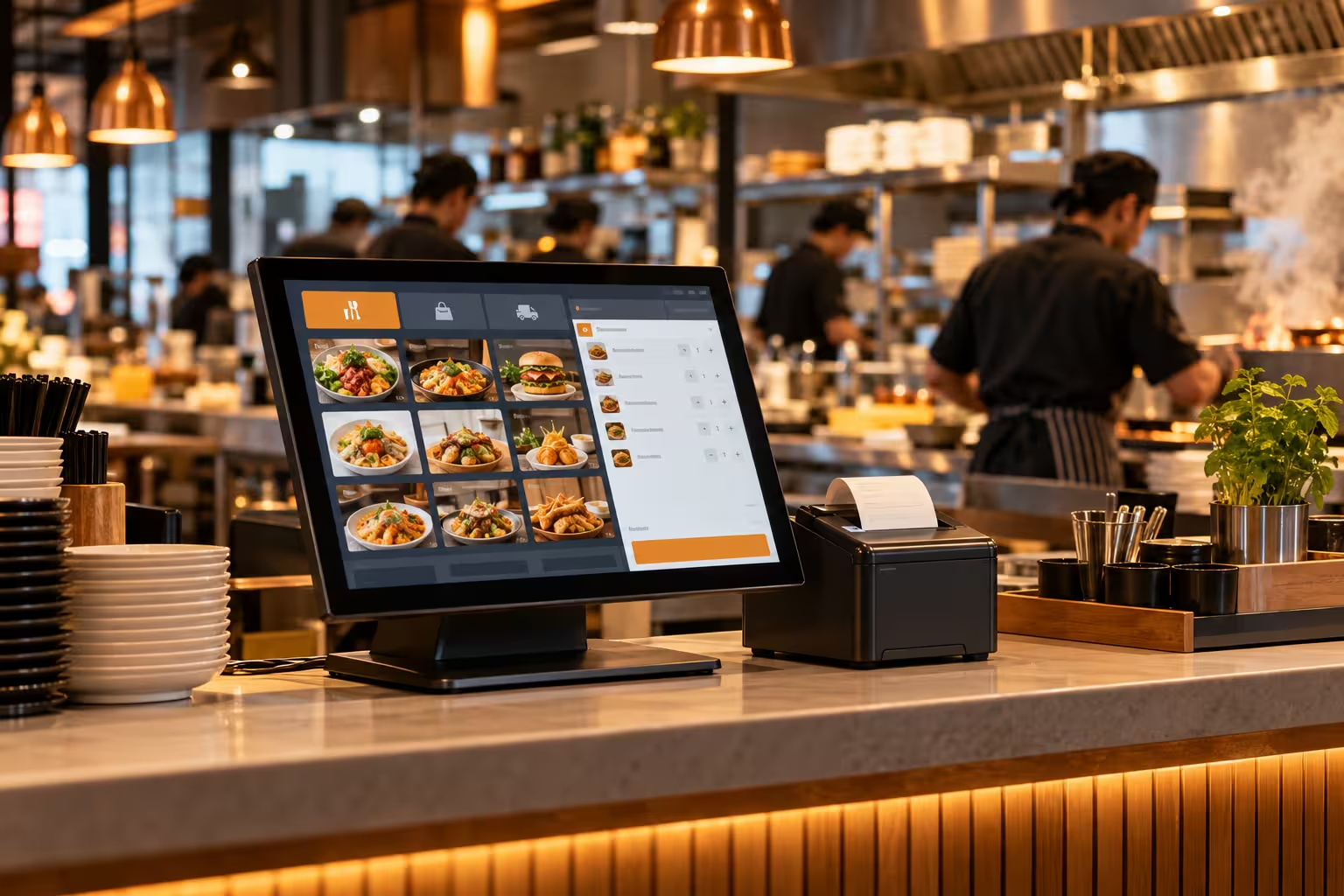
A restaurant POS system Kuwait businesses use every day connects the front of house and the kitchen. Orders go from the waiter or cashier to the kitchen screen or printer, bills are split and paid, and every sale updates your reports and stock. When it works well, service is faster, errors drop, and you can see the real numbers behind each shift.
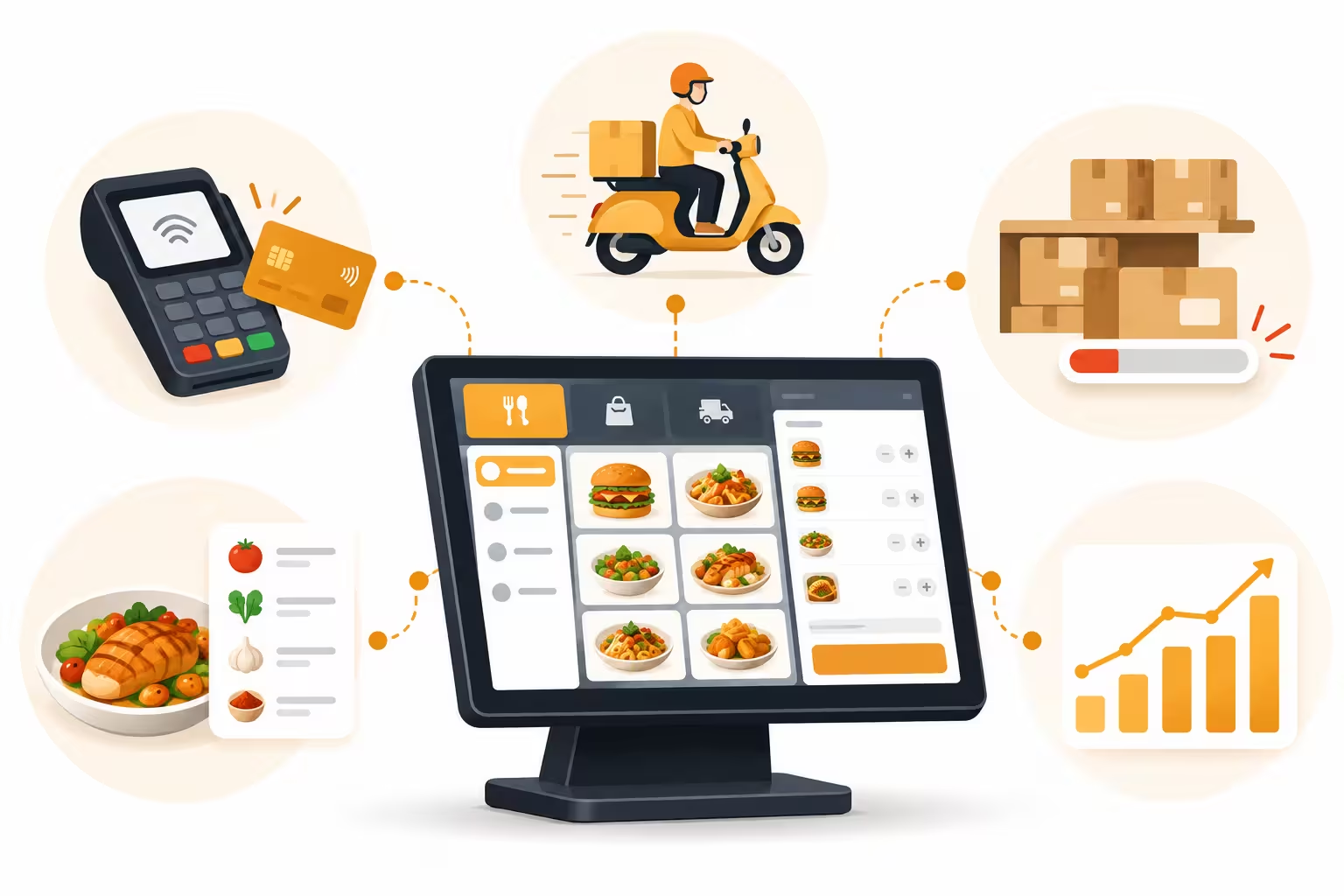
The three areas that cause the most trouble in Kuwait are payments, delivery apps and inventory. Get these right and the rest is easier.
KNET and Card Payments
Almost every guest in Kuwait expects to pay by KNET. Your restaurant POS system Kuwait setup should make this simple:
- KNET and card acceptance at the counter and the table.
- Split bills by item, by seat or by amount, with mixed payment types.
- Cash, KNET and card reconciliation at end of shift, so the totals match.
- KWD with three decimals handled correctly on bills and reports.
- Arabic and English receipts for guests and staff.
Ask the vendor how the terminal is connected and who supports it if a payment fails during service. Payment setup varies by bank and device, so confirm this early.
Talabat and Delivery App Integration
If you sell through Talabat or other delivery apps, orders usually arrive on a separate tablet. Staff then retype them into the POS, which wastes time and causes mistakes. A good restaurant POS system Kuwait owners choose should bring those orders into the same screen as dine-in and takeaway.
| What to Check | Why It Matters |
|---|---|
| Orders arrive automatically | No retyping, and fewer mistakes during rush hour. |
| Goes straight to the kitchen | Delivery tickets print or show alongside dine-in orders. |
| Menu and price sync | Change an item once and keep the app menu consistent. |
| Item availability | Mark a dish as sold out so the app stops taking orders for it. |
| Channel reporting | See sales and commission cost for each channel separately. |
Integration options depend on what the delivery platform allows for your account, so ask the vendor exactly which integrations are live today and which are planned.
Inventory and Recipe Costing
Food cost is where many restaurants lose money without noticing. Inventory built into your restaurant POS system Kuwait setup lets stock move automatically with each sale:
- Recipe-based deduction: each dish uses set quantities of ingredients.
- Low-stock alerts before you run out mid-service.
- Purchase and supplier records to see what you buy and at what price.
- Wastage and variance reports to spot theft, over-portioning and spoilage.
- Multi-branch stock and transfers between branches or the central kitchen.
Other Key Features to Look For
| Feature | Why It Matters |
|---|---|
| Table and floor management | Seat, merge and transfer tables quickly. |
| Kitchen display or printers | Orders reach the right station with no shouting. |
| Modifiers and combos | Handle add-ons, no-onion requests and meal deals cleanly. |
| Staff roles and permissions | Control who can void, discount or refund. |
| Loyalty and customer records | Bring regular guests back with points and offers. |
| Reports and analytics | Best sellers, peak hours, food cost and sales by channel. |
| Offline mode | Keep taking orders if the internet drops. |
| Multi-branch dashboard | Compare branches and manage menus centrally. |
Restaurant POS System Kuwait Cost: What Drives the Price
Prices differ a lot between vendors, so compare what each quote includes rather than the headline figure.
| Cost Factor | What to Ask |
|---|---|
| Pricing model | Monthly subscription, one-time license, or both? |
| Branches and terminals | Is pricing per branch, per terminal, or per user? |
| Hardware | Touchscreens, printers, KDS screens, and cash drawers: included or extra? |
| Integrations | Are delivery app and payment integrations free or charged separately? |
| Setup and training | Is menu setup, data import, and staff training included? |
| Support | Is support available during your peak hours, including weekends? |
How to Choose the Right System
- Map your channels first. Dine-in, takeaway, delivery apps, and your own online ordering each need support.
- Ask for a live demo with your own menu, modifiers, and a split-bill example.
- Test a KNET payment end to end, including a failed one.
- Check the delivery integration with a real test order, not just a slide.
- Look at inventory depth. Recipe-level deduction is what makes food cost reports reliable.
- Confirm local support in Arabic and English, available when you are busiest.
For general background on how these systems work, see this overview of the point of sale.
Common Mistakes When Buying a Restaurant POS
- Picking a system with no delivery app integration, then retyping orders by hand.
- Leaving inventory for later, so food cost stays a guess.
- Choosing on price alone and paying later for integrations and hardware.
- Skipping staff training before launch week.
- Not testing offline mode until the internet actually drops.
Frequently Asked Questions
What is a restaurant POS system?
It’s the system that takes orders, sends them to the kitchen, handles payments, and updates your reports and stock for every sale.
Does a restaurant POS in Kuwait support KNET?
Most do, but setup depends on your bank and payment device. Confirm KNET and card support and who provides the terminal before you sign.
Can a POS system receive Talabat orders?
Some systems can bring delivery app orders into the POS. Ask which integrations are live and what your delivery account needs to enable them.
Why does inventory integration matter?
When each sale deducts ingredients automatically, you can track food cost, catch waste and reorder before you run out.
Is it suitable for a small cafe or one branch?
Yes. Even a single outlet benefits from faster ordering, accurate payments and clear daily reports.
Final Thoughts
The right restaurant POS system Kuwait owners can depend on is the one that handles KNET smoothly, brings Talabat orders into one screen, and keeps stock accurate without extra work. Shortlist two or three systems, test them with your own menu and a real delivery order, and choose the one your team will use comfortably on your busiest night.
Want to see how a restaurant POS would work for your outlet?
Talk to Merak Tech about your setup and request a demo. Contact us here.