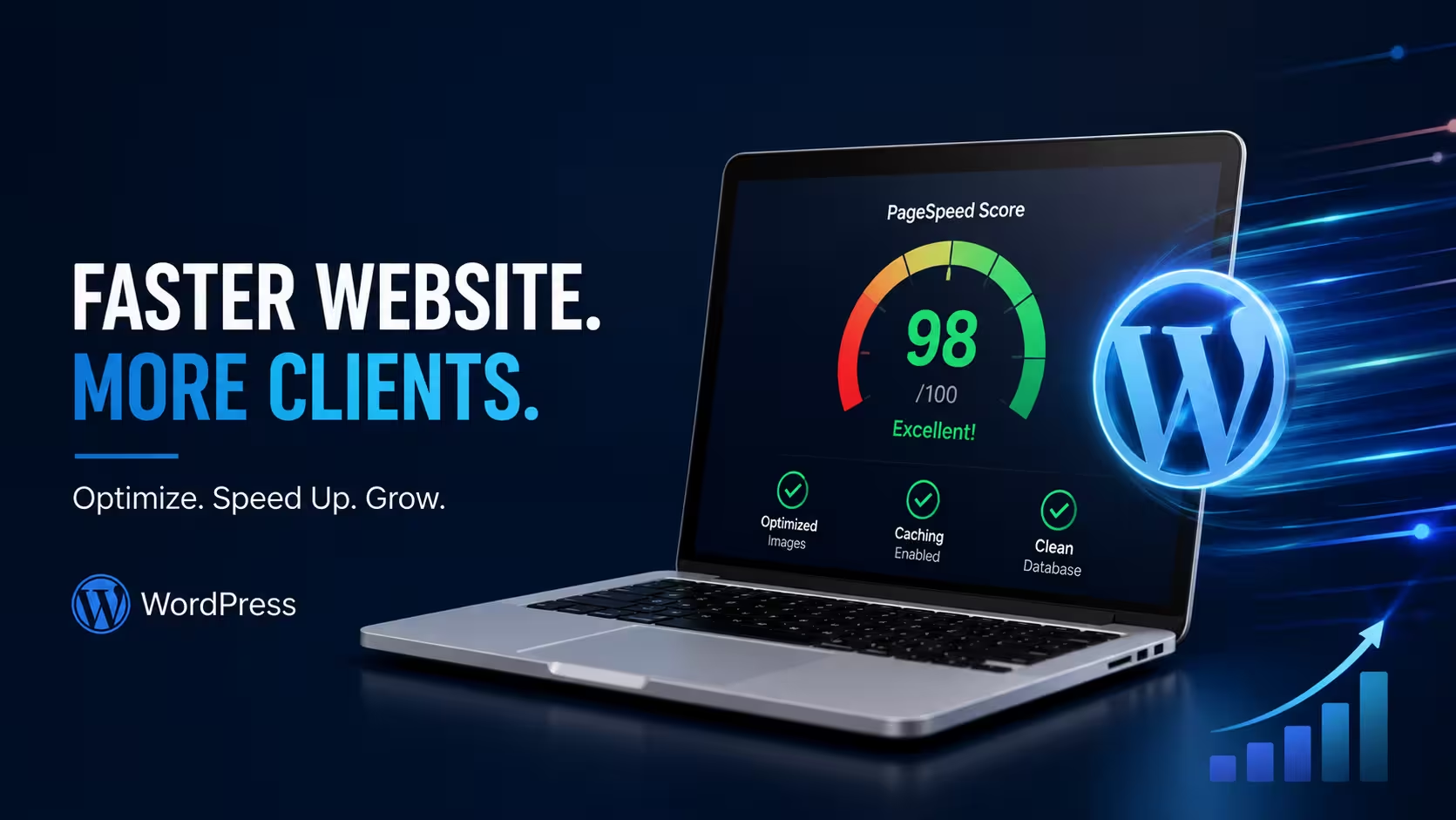

Why Your WordPress Website Is Slow—and How It Could Be Costing You Customers
Your WordPress website looks great.
The design is modern. The animations work. The pages are polished.
But there’s one problem.
It takes too long to load.
And your customers don’t care how beautiful your website is if they’re waiting several seconds for it to appear.
After working on hundreds of websites, we’ve seen the same pattern repeatedly:
A website launches looking perfect.
Six months later, the site becomes slower.
More plugins are added. Images get uploaded without optimization. The database grows. Caching isn’t configured correctly.
Eventually, a website that once loaded quickly becomes a frustrating experience for visitors.
And that can directly affect your business.
How a Slow WordPress Website Costs You Customers
Website performance isn’t just a technical issue.
It’s a business issue.
When a website takes too long to load, visitors are more likely to leave before they even see your services.
That means:
- Fewer enquiries
- Fewer leads
- Lower engagement
- Poorer user experience
- Potentially lower search visibility
- Lost opportunities
For a business website, every unnecessary second matters.
What’s Actually Making Your WordPress Website Slow?
A slow website usually isn’t caused by WordPress itself.
The problem is often what has been added to the website over time.
1. Too Many Plugins
Plugins are useful, but installing too many can increase the amount of code your website needs to load.
The bigger problem is plugin overlap.
For example, you may have multiple plugins handling caching, optimization, security, analytics, or similar functions.
Instead of improving performance, they can conflict with each other and make the website slower.
2. Unoptimized Images
Large images are one of the most common causes of slow WordPress websites.
Uploading a 2MB or 3MB image when the website only needs a much smaller file adds unnecessary weight to every page.
Proper image optimization can significantly reduce page size without making the images look noticeably worse.
3. Poorly Configured Caching
Without effective caching, your server may have to generate the same page repeatedly for different visitors.
A properly configured caching system can store frequently requested content and serve it much faster.
But simply installing a caching plugin isn’t enough.
It needs to be configured correctly for your website.
4. A Bloated Database
WordPress databases can accumulate unnecessary data over time.
This can include:
- Old post revisions
- Spam comments
- Trashed content
- Expired transients
- Unused metadata
- Plugin-related data
A poorly maintained database can contribute to slower backend operations and inefficient queries.
5. Cheap or Overloaded Hosting
Sometimes the problem isn’t your website at all.
It’s the server.
Shared hosting can be perfectly suitable for some websites, but when resources are limited or many websites share the same server, performance can suffer.
A properly optimized website still needs reliable hosting infrastructure.
The Fix Isn’t Always a Complete Redesign
One of the biggest mistakes businesses make is assuming that a slow website needs to be rebuilt from scratch.
Not necessarily.
In many cases, a structured WordPress performance optimization process can identify and fix the main bottlenecks without replacing the entire website.
A typical performance audit can include:
- Plugin audit
- Image optimization
- Cache configuration
- Database cleanup
- Hosting analysis
- CSS and JavaScript optimization
- Mobile performance testing
- Core Web Vitals review
- Google PageSpeed testing
The goal isn’t to make a website score perfectly on one tool.
The goal is to make the website faster for real users while maintaining its functionality.
What Should You Check Before Launch?
Performance shouldn’t be something you think about six months after launching a website.
It should be part of the development process from the beginning.
Before launching a WordPress website, check:
Website Speed
Test important pages on both desktop and mobile.
Image Sizes
Make sure images are appropriately sized and compressed.
Plugins
Remove unnecessary plugins and avoid installing multiple plugins that perform the same function.
Caching
Make sure page caching, browser caching, and other relevant optimization features are properly configured.
Database
Remove unnecessary data and keep the database clean.
Mobile Experience
A website that performs well on desktop but struggles on mobile isn’t truly optimized.
Google PageSpeed
Use Google PageSpeed Insights as one part of your performance testing process.
The Business Opportunity for Web Developers
There’s another side to website performance that developers shouldn’t ignore.
If you’re building websites for clients, your responsibility shouldn’t end when the website goes live.
A performance audit can become a valuable part of your service.
Instead of simply saying:
“The website is finished.”
You can provide:
- Performance testing
- Speed optimization
- Plugin cleanup
- Image optimization
- Caching configuration
- Database maintenance
- Performance reports
Your client gets a faster website.
You build a stronger reputation.
And the website continues to perform properly after launch.
WordPress Isn’t Slow. Poorly Maintained WordPress Is.
WordPress powers millions of websites because it’s flexible, scalable, and easy to extend.
But that flexibility comes with responsibility.
Installing plugins without reviewing them, uploading oversized images, ignoring updates, using poor hosting, and never monitoring performance can turn a fast website into a slow one.
The solution isn’t to blame WordPress.
It’s to manage the website properly.
Final Thoughts
A website is a business asset.
If it loads slowly, visitors notice.
If pages don’t respond quickly, potential customers leave.
And if performance problems continue for months, the business can lose opportunities without realizing exactly why.
At MERAK, we don’t believe website development ends at launch.
We believe a website should continue to be monitored, maintained, and optimized as the business grows.
If your WordPress website has become slow, don’t immediately rebuild it.
Find out what’s actually causing the problem first.
A proper performance audit can often reveal that the solution is simpler than you think.
Is your WordPress website getting slower?
Let’s identify what’s slowing it down and improve its performance.
Visit almerak.com or contact MERAK to discuss your website performance.