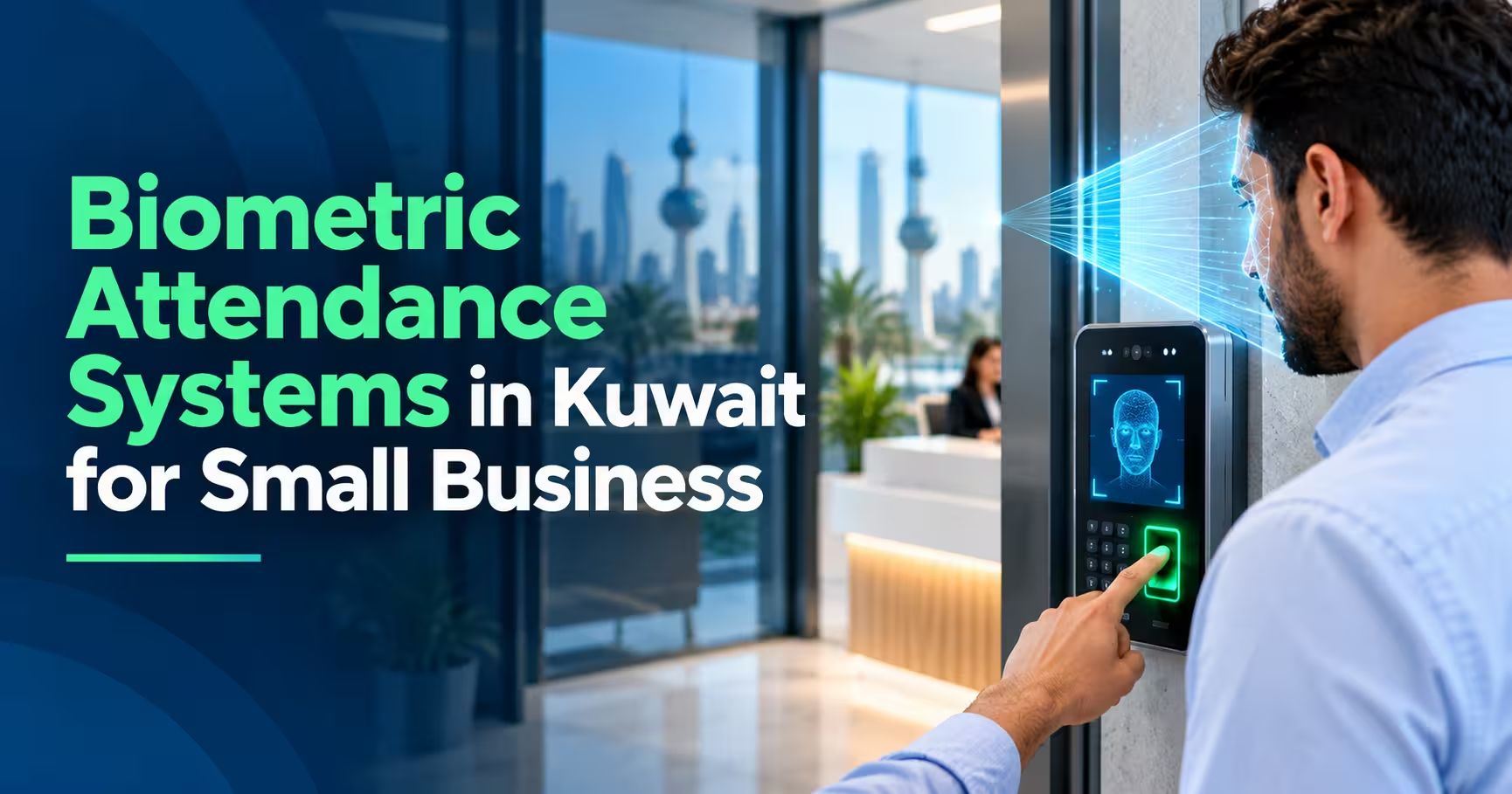

A biometric attendance system Kuwait small businesses choose replaces paper sheets and shared punch cards with a fingerprint, face, or card check that cannot be signed by a colleague. For a shop, clinic, workshop, or office with a handful of staff, it means accurate hours, fewer payroll disputes, and less admin at month-end. This guide covers how these systems work, what to look for, what drives the cost, and the mistakes to avoid.
In this guide
- What Is a Biometric Attendance System?
- Why Small Businesses Need One
- Types of Biometric Attendance
- Key Features to Look For
- What Matters Specifically in Kuwait
- Privacy and Employee Data
- Biometric Attendance System Kuwait Cost: What Drives the Price
- How to Choose the Right System
- Common Mistakes
- Frequently Asked Questions
- Final Thoughts
What Is a Biometric Attendance System?
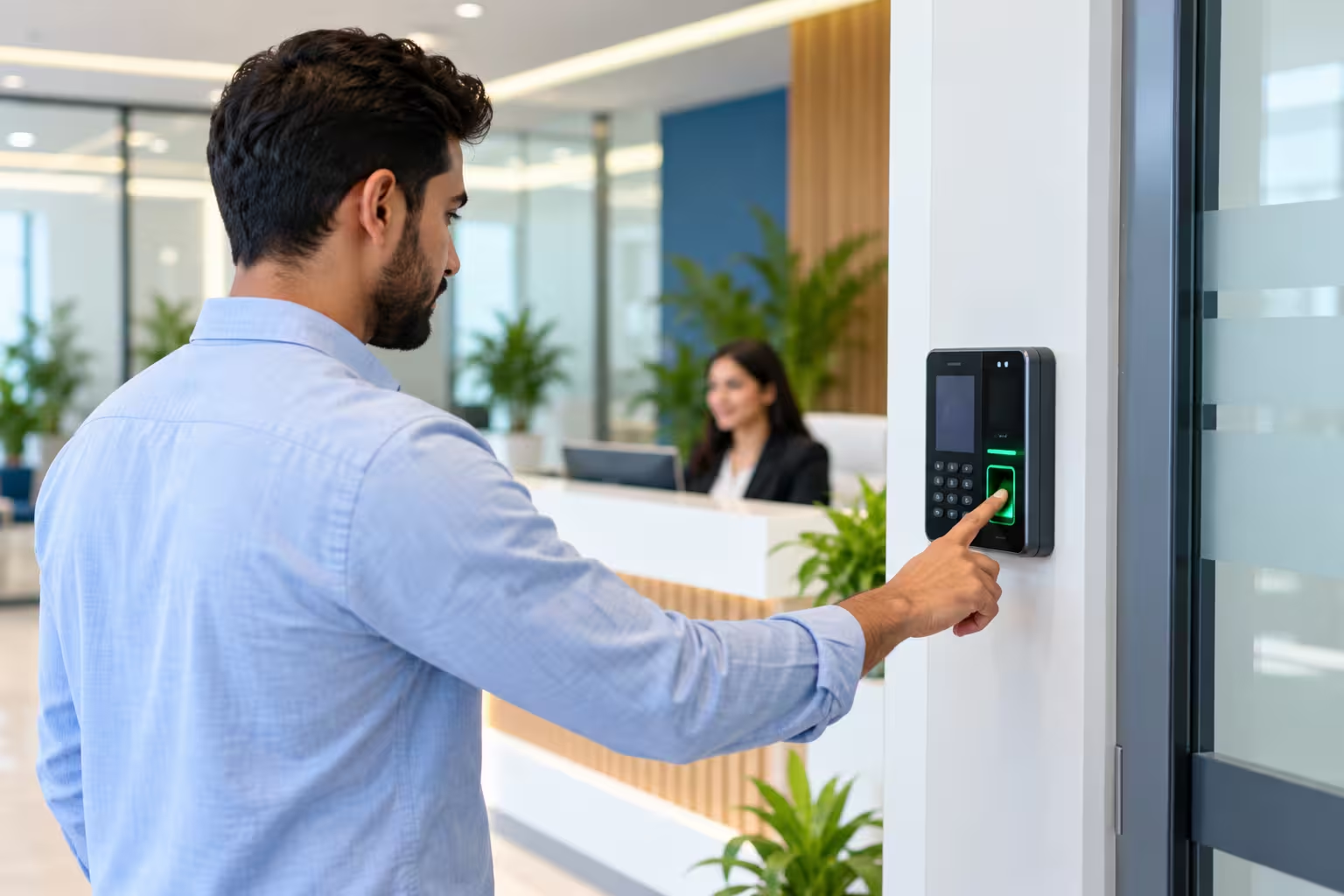
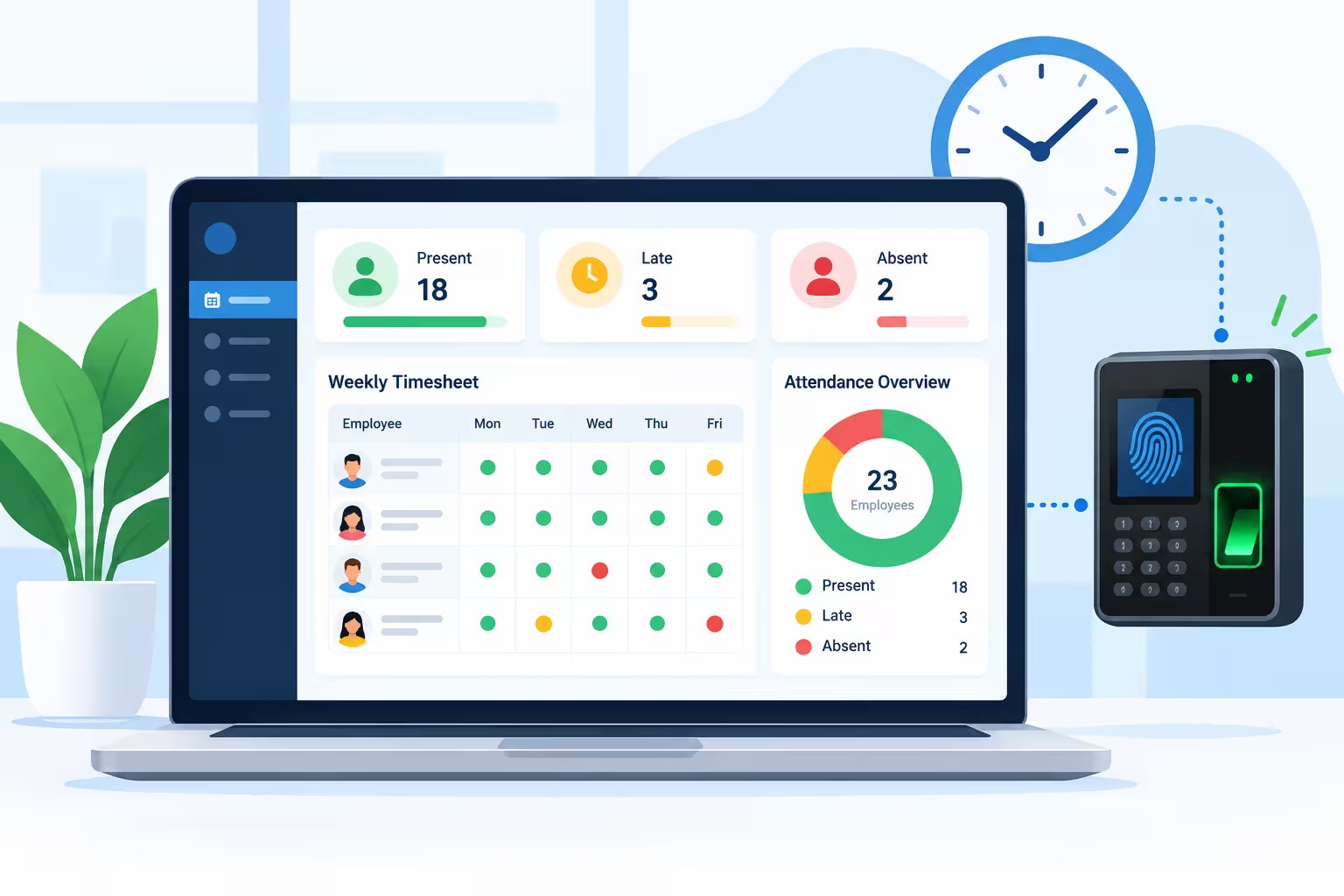
A biometric attendance system records when employees arrive and leave using something unique to them, usually a fingerprint or face. The device sends each scan to software that builds timesheets, flags late arrivals and absences, and exports hours for payroll.
Because the check is tied to the person and not a card or a signature, it removes “buddy punching,” where one employee clocks in for another.
Why Small Businesses Need One
- Accurate hours: no more guessing from paper registers or WhatsApp messages.
- Faster payroll: late, overtime, and absence data is ready at month end.
- Fewer disputes: everyone sees the same record.
- Less admin: the owner or manager stops compiling attendance by hand.
- Multi-site visibility: check attendance at every branch from one place.
- Clear audit trail: useful for HR records and internal reviews.
Types of Biometric Attendance
| Type | Best For | Watch Out For |
|---|---|---|
| Fingerprint | Offices, shops, and clinics with clean working conditions. | Worn, wet, or dirty fingers can fail to read. |
| Face recognition | Touch-free entry and busy doorways. | Lighting and device quality matter. Confirm real-world accuracy in a demo. |
| Card or RFID | A low-cost option for lower-risk sites. | Cards can be shared, so buddy punching is still possible. |
| Mobile check-in with location | Field staff, sales teams, and remote workers. | Needs clear rules on location and personal phone use. |
| Combination | Mixed teams, such as office staff plus field staff. | More setup, so choose software that handles all methods together. |
Key Features to Look For in a Biometric Attendance System Kuwait Businesses Can Rely On
| Feature | Why It Matters |
|---|---|
| Shift and roster management | Handle split shifts, night shifts and rotating schedules. |
| Late, overtime, and absence rules | Apply your company policy automatically. |
| Leave management | Track leave balances and approvals next to attendance. |
| Payroll export | Send hours to your payroll or accounting system without retyping. |
| Real-time dashboard | See who is in, late or absent right now. |
| Alerts and notifications | Email or WhatsApp alerts for lateness and missed punches. |
| Offline mode | Devices keep storing scans if the internet drops, then sync later. |
| Multi-branch support | One system across several locations. |
| Roles and permissions | Control who can edit or approve attendance records. |
What Matters Specifically in Kuwait
- Arabic and English across the device, reports, and employee screens.
- Mixed workforce: make sure names, ID formats, and multilingual records are handled cleanly.
- Heat and environment: choose devices suited to dust and hot entrances, especially for outdoor or workshop sites.
- Prayer, Ramadan, and shift patterns: your rules should handle reduced hours, breaks, and changing schedules.
- Local support in your time zone and language, with fast replacement if a device fails.
Privacy and Employee Data
Fingerprints and faces are sensitive personal data, so treat them carefully:
- Tell employees clearly what is collected, why, and how long it is kept.
- Ask how templates are stored. Many systems store a mathematical template, not a full image.
- Limit access to attendance data to the people who need it.
- Check backup and export rules so employee data is not copied around informally.
- Review local data protection requirements and, if unsure, get legal advice before rolling it out.
Biometric Attendance System Kuwait Cost: What Drives the Price
Prices vary by device and software, so compare what each quote includes rather than the headline figure.
| Cost Factor | What to Ask |
|---|---|
| Devices | Fingerprint, face or card? How many do you need per site? |
| Software model | One-time license, monthly subscription, or per-employee pricing? |
| Number of employees | Does the price rise as your team grows? |
| Installation | Mounting, network and power setup, and staff enrollment. |
| Payroll integration | Is the connection to your payroll or ERP included or extra? |
| Support and warranty | Replacement time, on-site visits and software updates. |
How to Choose the Right System
- Start with your workplace. Clean office, workshop, outdoor site or multiple branches all suit different devices.
- Test with your own staff. Ask for a trial and see how many real scans fail in a day.
- Check the software, not just the device. Reports, rules and payroll export decide how useful it really is.
- Confirm offline behavior and what happens when the internet drops.
- Ask about data export, so your attendance history is never locked in.
- Plan the rollout: enrollment, a short training session and a clear policy for missed punches.
Common Mistakes
- Buying cheap devices with weak software, then retyping data into Excel anyway.
- Choosing fingerprint for a dusty or wet site where scans keep failing.
- Rolling it out without telling employees what data is stored.
- Not setting rules for missed punches, so managers edit records freely.
- Ignoring payroll integration until the first month end.
Frequently Asked Questions
What is a biometric attendance system?
It’s a system that records employee attendance using a fingerprint, face or similar identifier, and turns the scans into timesheets and reports.
How much does a biometric attendance system cost in Kuwait?
It depends on the device type, number of devices and employees, software licensing, installation and support. Ask for a quote based on your own site and compare what’s included.
Is it suitable for a small business?
Yes. Even a team of a few people benefits from accurate hours and an automatic late and absence report.
Fingerprint or face recognition: which is better?
Fingerprint suits clean, controlled settings. Face recognition suits touch-free, busy doorways. Test both on your own staff in your own conditions.
Can it connect to payroll?
Many systems export hours to payroll or accounting software. Confirm the format your payroll uses before buying.
Is employee biometric data safe?
It depends on the vendor. Ask how templates are stored and protected, who can access them, and how long they are kept, and tell employees clearly what is collected.
Final Thoughts
The right biometric attendance system Kuwait’s small businesses can run easily is one that fits your workplace, reads your staff reliably, and sends clean hours to payroll. Start with a trial, check the reports as carefully as the device, and be open with your team about what data is stored and why.
Need an attendance system for your business?
Talk to us about your team size, sites and payroll setup, and request a demo. Contact us here.