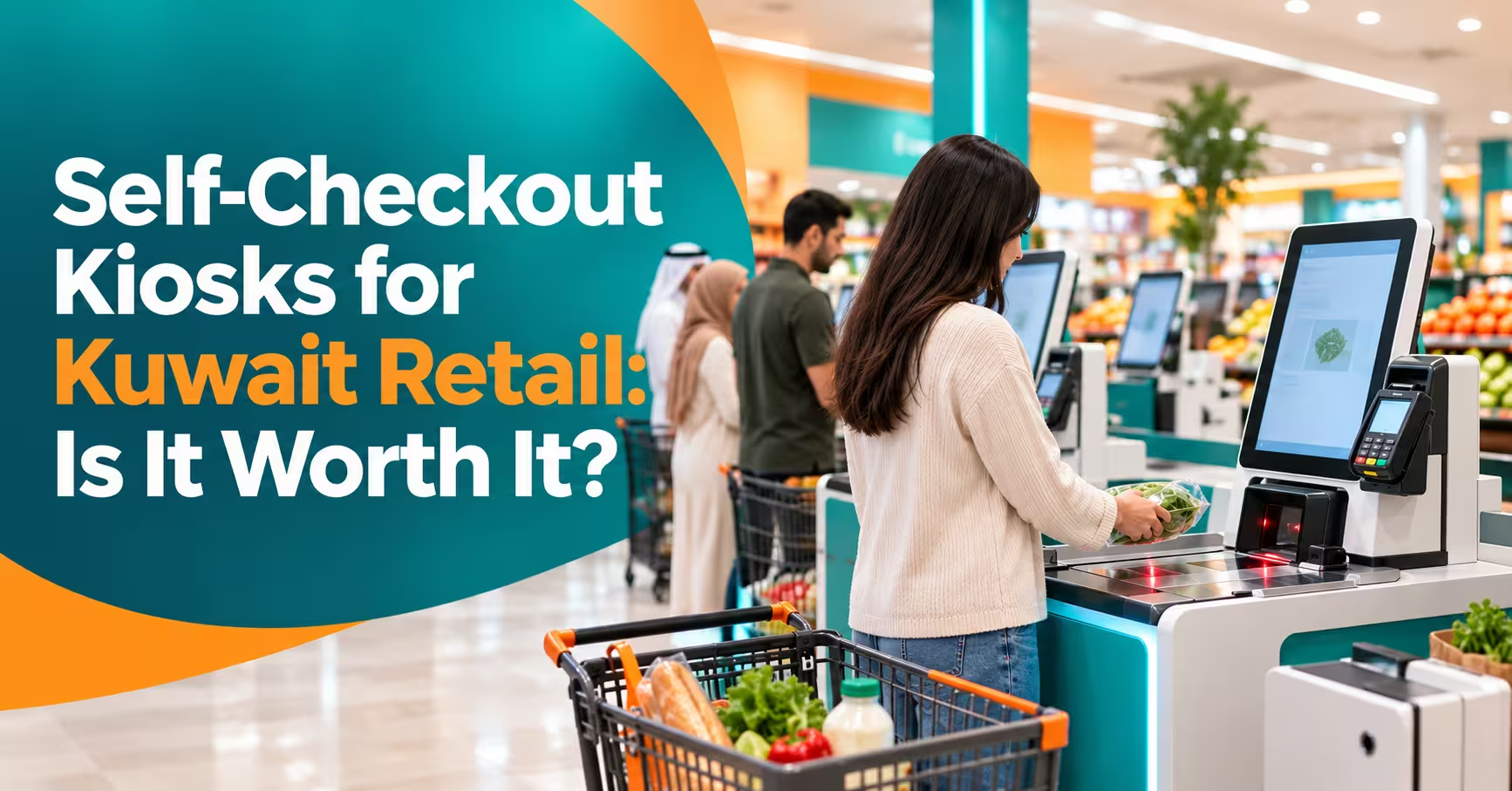

Is a self checkout kiosk Kuwait retailers can install actually worth the money? For the right store, yes: shorter queues, lower labor pressure at peak hours and a smoother customer experience. For the wrong store, it can become an expensive machine that staff end up babysitting. This guide helps you decide, with the benefits, the risks, the cost drivers and a simple way to work out your own return.
In this guide
- What Is a Self-Checkout Kiosk?
- Benefits for Kuwait Retailers
- Risks and Downsides
- Which Stores Benefit Most?
- Key Features to Look For
- Self Checkout Kiosk Kuwait Cost: What Drives the Price
- Is It Worth It? A Simple ROI Check
- How to Choose and Roll Out
- Common Mistakes
- Frequently Asked Questions
- Final Thoughts
What Is a Self-Checkout Kiosk?
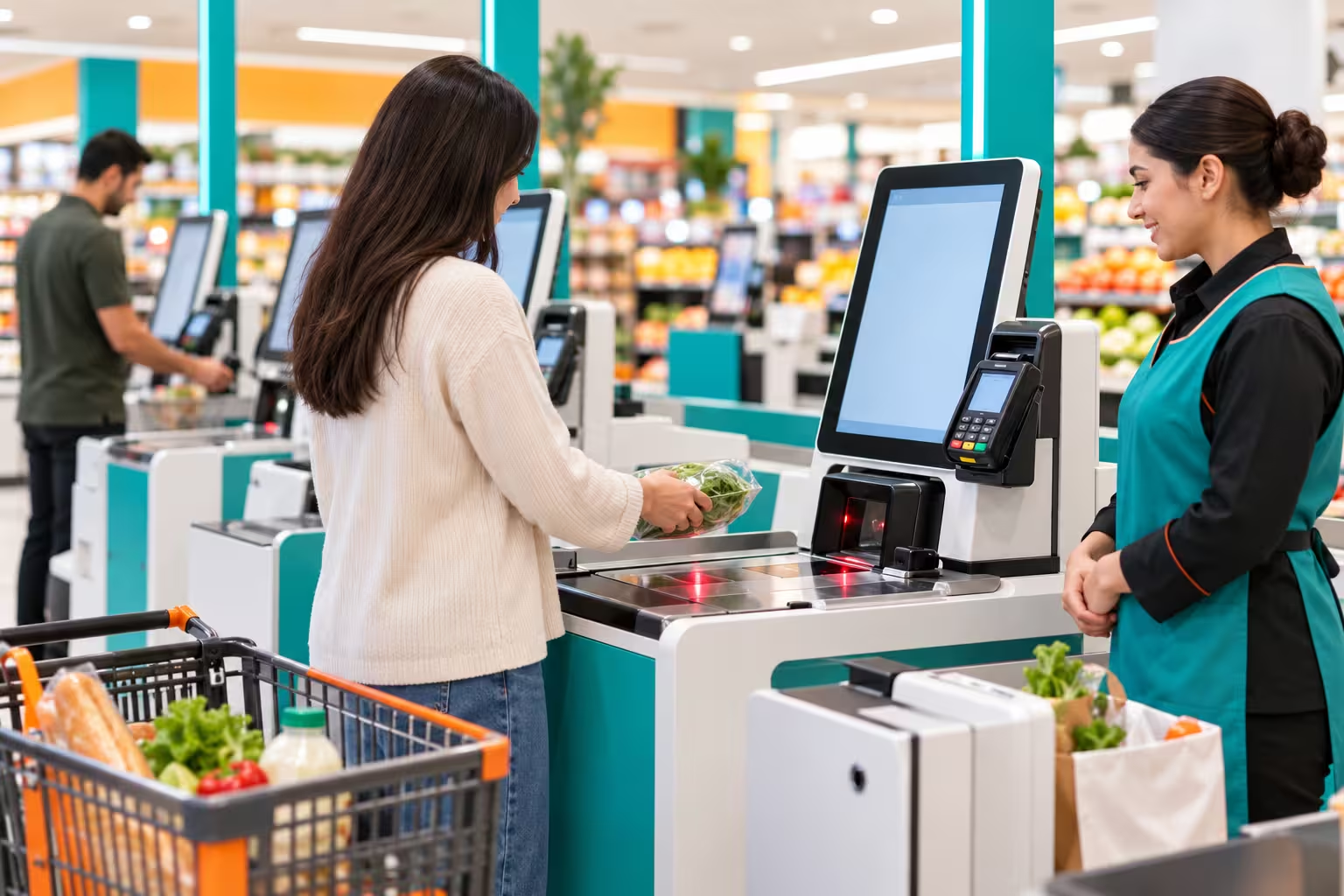
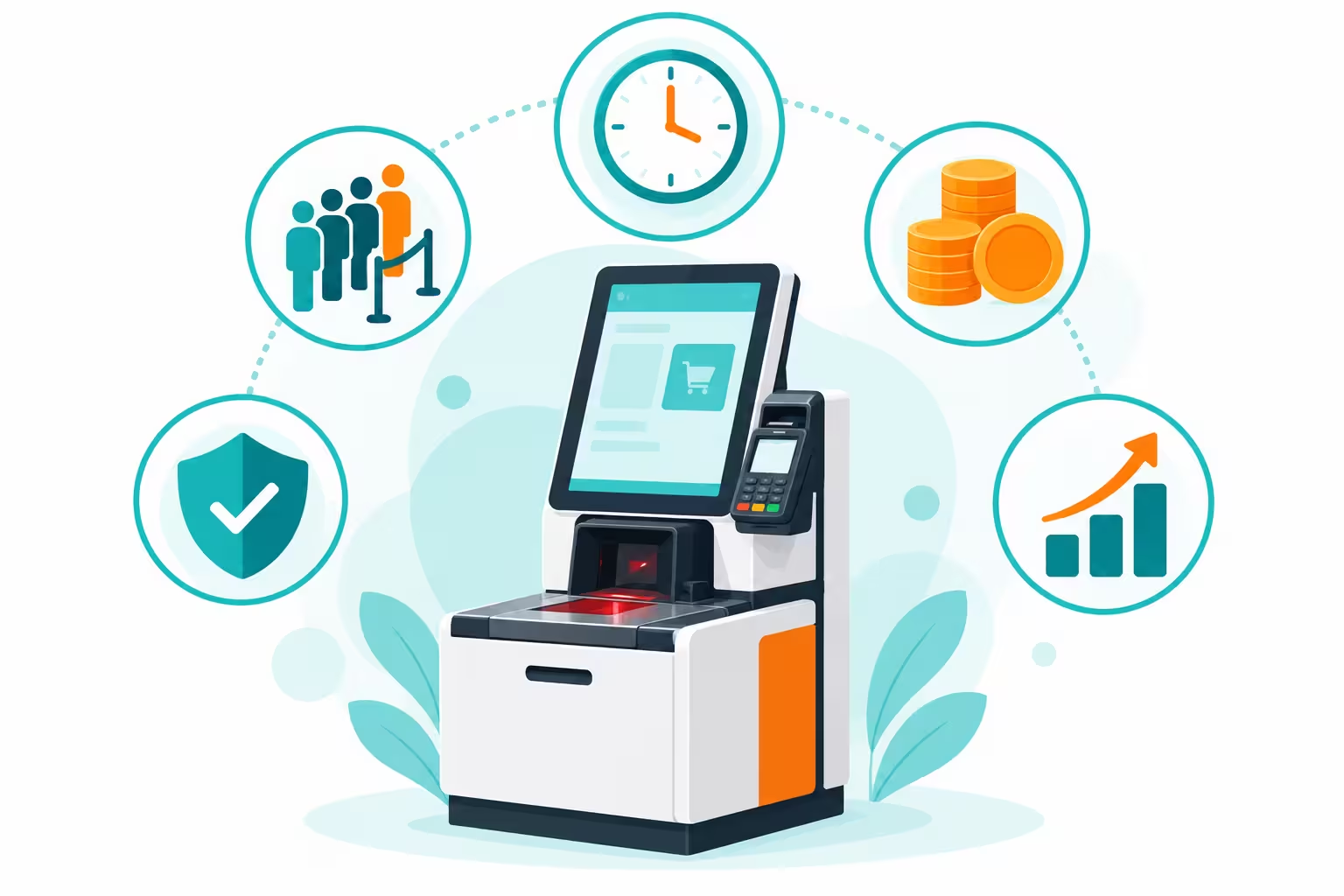
A self-checkout kiosk lets customers scan their own items, pay and leave without a cashier. A typical self checkout kiosk Kuwait stores use includes a touchscreen, a barcode scanner, a weighing scale, a payment terminal and a receipt printer, all connected to your POS and inventory.
The kiosk is only as good as the system behind it. If prices, stock and promotions don’t sync with your main POS, the kiosk creates more problems than it solves.
Benefits for Kuwait Retailers
- Shorter queues: customers with a few items skip the main line, especially at peak hours like evenings and weekends.
- Staff redeployed: cashiers can help on the floor, restock shelves or assist customers instead of repeating scans.
- Better customer experience: faster, more private and more in the customer’s control.
- More capacity in the same space: several kiosks fit in the footprint of fewer staffed counters.
- Cleaner data: every sale feeds your reports with no manual entry.
- Consistent service: the kiosk works the same way at 10am and 11pm.
Risks and Downsides
| Risk | How to Reduce It |
|---|---|
| Theft and scanning errors | Weight checks, random bag audits, an attendant zone and clear CCTV coverage. |
| Customer frustration | Simple Arabic and English screens, clear prompts and a nearby attendant. |
| Hard-to-scan items | Easy product lookup for produce and bakery items, and staffed lanes for complex baskets. |
| Age-restricted or regulated items | Staff approval prompts for items that need a check. |
| Downtime | Local support, spare parts and a fallback to staffed checkout. |
| Upfront investment | Start with a pilot of one or two kiosks before a full rollout. |
Which Stores Benefit Most?
| Store Type | Fit |
|---|---|
| Supermarkets and hypermarkets | Strong fit for small baskets at peak times. |
| Convenience stores | Good fit, since baskets are small and fast. |
| Pharmacies and health stores | Possible, but regulated items may need staff checks. |
| Fashion and electronics | Works with tagged items and security tag removal handled by staff. |
| Cafes and quick-service food | Order kiosks often fit better than scan-and-pay kiosks. |
| Very small shops | Often not worth it. A good POS may bring more value first. |
Key Features to Look For in a Self Checkout Kiosk Kuwait Setup
- KNET and card payment: the payment flow Kuwaiti shoppers expect, handled directly at the kiosk.
- Arabic and English interface: large buttons, clear prompts and easy language switching.
- POS and inventory sync: live prices, promotions and stock levels from your main system.
- Weight verification: flags items that don’t match the expected weight.
- Attendant dashboard: one staff member can approve, assist and monitor several kiosks.
- Loyalty and offers: scan a loyalty card or number before paying.
- Receipts: printed, SMS or WhatsApp receipts, with KWD shown to three decimals.
- Accessibility: screen height and layout suitable for all customers.
- Remote monitoring: know when a kiosk is down or needs help.
Self Checkout Kiosk Kuwait Cost: What Drives the Price
Kiosk quotes vary widely, so compare what each one includes rather than the headline figure.
| Cost Factor | What to Ask |
|---|---|
| Hardware | Screen, scanner, scale, printer and cabinet: what’s included and what quality? |
| Software license | One-time or subscription, and is it per kiosk or per store? |
| POS integration | Does it connect to your current POS, or does it need a new one? |
| Payment setup | Who supplies the payment device, and what are the transaction fees? |
| Installation | Network, power, floor layout and fit-out work. |
| Security features | Weight checks, cameras and audit tools: included or optional? |
| Support and warranty | Response time, spare parts and on-site service in Kuwait. |
Is It Worth It? A Simple ROI Check
Instead of guessing, work through your own numbers:
- Measure peak queues. How long do customers wait, and how many leave without buying?
- Count small baskets. What share of transactions are a few items? These shift to kiosks most easily.
- Estimate labor impact. Not job cuts, but how many staff hours can move from scanning to customer service.
- Add expected losses. Include theft and scanning errors, and the cost of reducing them.
- Add the full cost. Hardware, software, installation, payment fees and support over several years.
- Compare. If saved time, higher throughput and better service outweigh the total cost, it’s worth a pilot.
The best test is a pilot. Install one or two kiosks at your busiest store, measure for a few weeks, then decide.
How to Choose and Roll Out a Self Checkout Kiosk Kuwait Retailers Can Trust
- Check POS compatibility first. A kiosk that can’t use your live prices and stock is a risk.
- Demo with your real products, including produce, weighed items and promotions.
- Test KNET end to end, including a failed payment.
- Plan the layout. Place kiosks near the exit with a visible attendant spot.
- Train a few staff as attendants before launch.
- Add signage in Arabic and English so customers know how to start.
- Review weekly during the pilot: usage, errors, wait times and feedback.
Common Mistakes
- Buying kiosks before checking they integrate with your POS and inventory.
- Rolling out to every store at once instead of piloting.
- Having no attendant, which frustrates customers and invites errors.
- Ignoring Arabic screens and KNET flow in the demo.
- Counting only hardware cost and forgetting support and payment fees.
Frequently Asked Questions
What is a self-checkout kiosk?
It’s a customer-operated station where shoppers scan their items, pay, and take a receipt without a cashier.
How much does a self-checkout kiosk cost in Kuwait?
It depends on hardware, software licensing, POS integration, payment setup, installation, and support. Request a quote based on your own store and compare what’s included.
Will kiosks replace cashiers?
Not completely. Most stores keep staffed lanes for large baskets and use staff as attendants and floor support.
Does it support KNET payments?
Many setups can, depending on your bank and payment device. Confirm KNET during the demo.
Is a self-checkout kiosk good for a small store?
Often not at first. A small store usually gains more from a reliable POS and can add a kiosk when queues become a real problem.
How do I reduce theft at self-checkout?
Use weight verification, camera coverage, random bag checks, and an attendant, and review exception reports regularly.
Final Thoughts
A self checkout kiosk Kuwait stores adopt is worth it when you have real queues at peak hours, a lot of small baskets, and a POS that can sync cleanly with the kiosk. It is not worth it as a trend purchase. Run the numbers, start with a pilot, and keep an attendant nearby so customers feel supported.
Thinking about self-checkout for your store?
Talk to us about your store, your POS and your peak-hour queues, and request a demo. Contact us here.