
Chart of accounts XBRL Kuwait mapping is, in practice, the single slowest and most decisive step in getting Qayd-ready. It’s also the step most businesses underestimate — assuming it’s a quick lookup exercise, when it’s really a detailed review of every account your business uses.
This guide walks through the mapping process step-by-step, so you know what to expect before you start.
In This Guide:
Why Chart of Accounts Mapping Matters So Much
Every account in your books needs to be linked to the correct element in the IFRS taxonomy before your system can generate a valid XBRL file. Get this wrong, and the Qayd portal’s validation will catch it — usually meaning a rejected filing and a resubmission, not a quiet warning.
This is why chart of accounts XBRL Kuwait mapping determines whether the rest of the process goes smoothly. A well-mapped chart of accounts makes the actual XBRL export almost mechanical. A poorly mapped one turns every filing period into a fire drill.
New to the underlying concept? Start here: IFRS Taxonomy Kuwait: Essential XBRL Tagging Guide
Before You Start
Have these ready before you begin the mapping work:
- A complete, current chart of accounts export — every account your business actually uses, not a template
- Your most recent financial statements — to see how accounts roll up into reported figures
- Access to the IFRS taxonomy reference — so you can look up the correct element definitions as you go
- Someone who understands both your accounts and IFRS presentation — this isn’t a purely mechanical task; it needs judgment calls
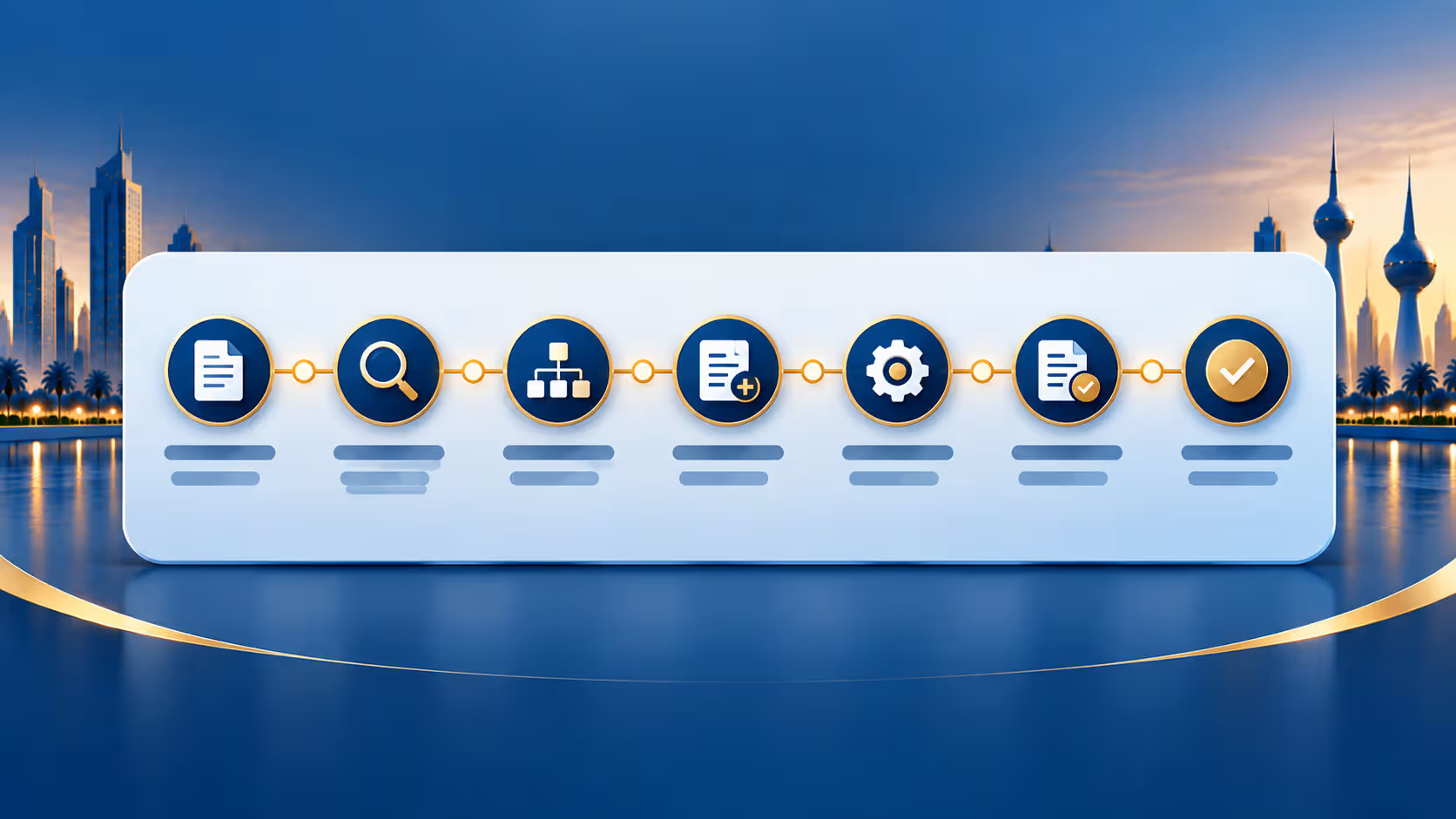
7 Steps to Map Your Chart of Accounts
- Export your full chart of accounts. Start with everything — including accounts that look inactive or rarely used. Missing accounts later means re-doing validation testing.
- Group accounts by financial statement category. Sort into assets, liabilities, equity, income, and expenses before diving into taxonomy detail — this makes the next steps far more manageable.
- Confirm the Account Type on each account. This determines current vs. non-current and the broader classification, which directly affects which taxonomy elements are even valid options.
- Match each account to its specific IFRS taxonomy element. Not the closest-sounding one — the one whose actual definition matches what the account represents. “Trade Receivables” and generic “Receivables” are different elements, not interchangeable labels.
- Flag accounts that don’t map cleanly. Some internal accounts won’t have an obvious one-to-one taxonomy match — these need a judgment call on the closest appropriate element, or a restructuring of the account itself.
- Cross-check totals against your financial statements. Once mapped, the totals your system generates from tagged accounts should match your actual reported figures exactly — any mismatch means a mapping error somewhere.
- Test with a sample export before going live. Generate a test XBRL file and check it against Qayd portal validation during the voluntary window, while errors carry no penalty.
Common Mapping Mistakes
| Mistake | Why It Causes Problems |
|---|---|
| Mapping to the “closest sounding” element instead of the correct definition | Generates a technically valid but factually wrong tag—often caught in validation |
| Leaving inactive or rarely used accounts unmapped | Causes export failures the moment one of those accounts gets used again |
| Skipping the cross-check against actual statements | Mapping errors go unnoticed until the portal rejects the filing |
| Treating mapping as a one-time task | New accounts added later need the same mapping discipline, or gaps reappear |
How Long Does This Actually Take?
For a business with a reasonably clean, well-organized chart of accounts, mapping can often be completed in a couple of weeks. For businesses with years of inconsistent account creation, duplicate accounts, or unclear naming conventions, it can take considerably longer — and often surfaces bookkeeping issues worth cleaning up regardless of XBRL.
This is one of the main reasons the 60–90 day implementation window quoted for most XBRL Kuwait projects exists — chart of accounts mapping is usually the biggest single variable in that timeline.
Read more: XBRL Implementation Cost and Timeline in Kuwait
Frequently Asked Questions
Can I map my chart of accounts myself, without an accountant?
It’s possible for very simple structures, but most businesses benefit from involving someone who understands both the accounts and IFRS presentation, since mismatched mappings are the most common source of validation errors.
Do I need to remap every year?
Not entirely — but any new accounts added during the year need to be mapped before your next filing, and it’s worth periodically reviewing existing mappings for accuracy.
What if an account genuinely doesn’t fit any taxonomy element well?
This does happen. In these cases, it’s worth considering whether the account itself should be restructured or split, rather than forcing an imperfect taxonomy match.
Does a chart of accounts mapping tool exist in Odoo?
A properly configured Odoo XBRL module typically adds a dedicated tab on each account form specifically for this mapping — it’s not something you’d track manually in a spreadsheet if the module is set up correctly.
Let Us Map Your Chart of Accounts
MerakTech handles the full chart of accounts mapping process for Kuwait businesses, so every account lines up correctly with the Qayd XBRL taxonomy before you ever hit submit.