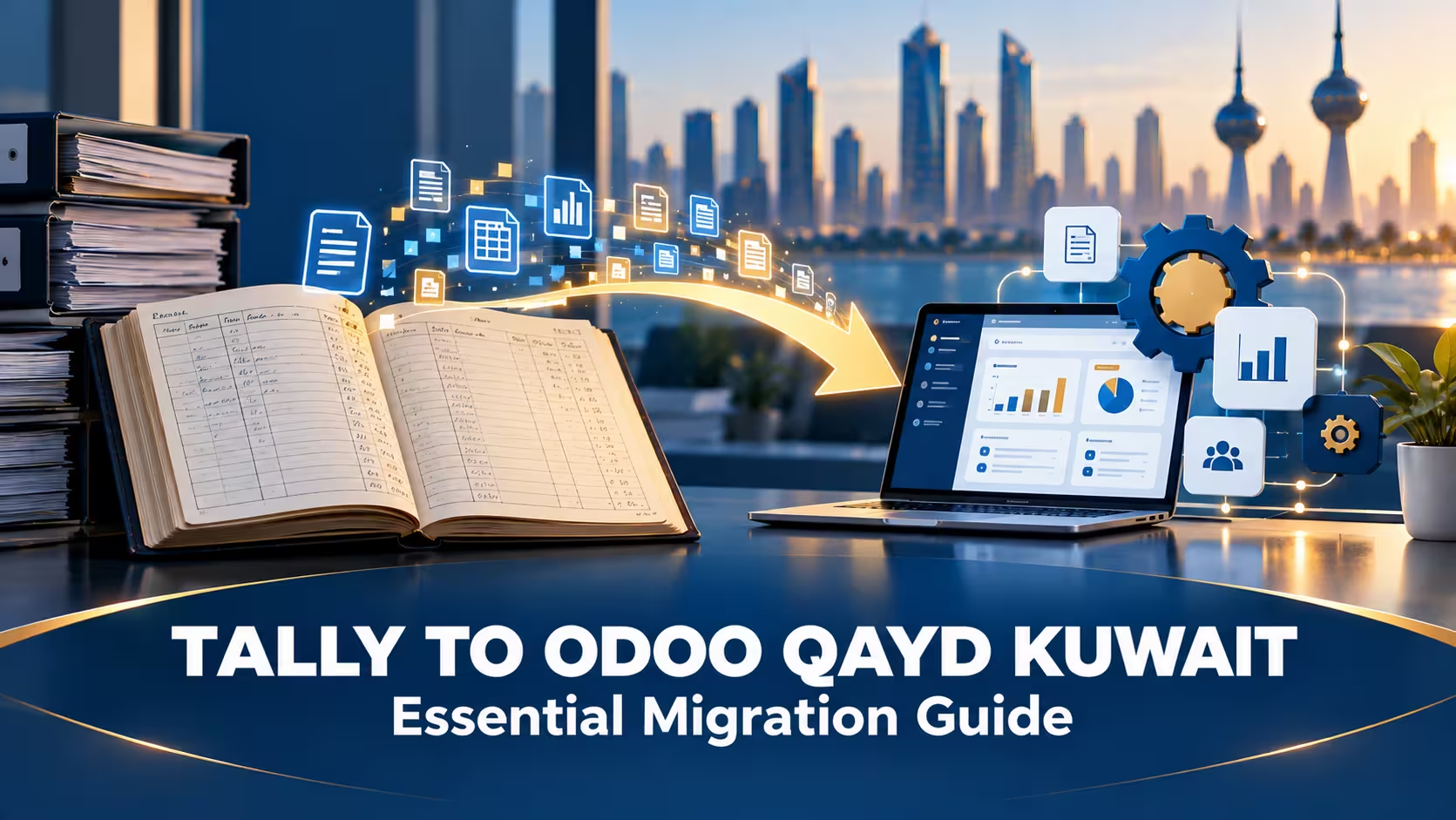

Tally to Odoo Qayd Kuwait migrations are becoming one of the most common projects Odoo partners in Kuwait are fielding right now—and for a clear reason: Tally and QuickBooks were never built for IFRS reporting, let alone XBRL export, and neither has a realistic path to producing a Qayd-ready filing without a system change underneath them.
This guide walks through why businesses are making this move now and what the migration actually involves.
In This Guide:

Why Tally and QuickBooks Fall Short for Qayd
Tally and QuickBooks were built for accounting regimes that aren’t aligned with IFRS presentation — Tally largely for Indian compliance requirements, QuickBooks for US and Canadian ones. Neither produces the IFRS-structured statements the Qayd portal expects as a starting point, and neither has native XBRL export at all.
That leaves businesses on these systems with two real options: a third-party conversion workaround re-run every filing period, or a migration to a system built with IFRS reporting and XBRL export in mind from the ground up.
Curious where your current system actually stands? Read more: Is Your Accounting System Qayd-Ready?
Why Odoo Specifically
Odoo’s accounting engine is IFRS-aligned by design, with a flexible chart of accounts structure and a modular architecture that makes it possible to add a dedicated XBRL export module mapped to the Qayd taxonomy. This combination is why Odoo has become the default recommendation for Kuwait businesses migrating off Tally or QuickBooks specifically for Qayd readiness — not because Odoo has built-in XBRL support out of the box, but because it’s the strongest foundation to build that capability on top of.
Read more: Odoo XBRL Kuwait: Essential 5-Step Export Guide
The Migration Process, Step by Step
| Step | What Happens |
|---|---|
| Data extraction | Pulling historical transactions, balances, and master data out of Tally or QuickBooks |
| Chart of accounts redesign | Rebuilding the account structure around IFRS presentation rather than the old system’s conventions |
| Opening balance reconciliation | Confirming the new system’s opening figures match the old system’s closing figures exactly |
| Parallel run | Running both systems side by side for a period to validate accuracy before full cutover |
| Cutover | Retiring the old system and operating fully on Odoo going forward |
Only after this migration is complete does the XBRL-specific work — module setup and taxonomy mapping — actually begin. Skipping straight to XBRL configuration on top of an unmigrated system just recreates the same IFRS-structure problem in a new place.
What to Expect During the Transition
- A period of double bookkeeping. Running old and new systems in parallel means genuinely more work temporarily, not less — plan staffing around this.
- Data cleanup surprises. Migrations routinely surface years of inconsistent account naming or duplicate entries that were quietly tolerated in the old system.
- A learning curve for the finance team. Even with good training, a new system takes time to feel as familiar as the one it’s replacing.
- Better reporting almost immediately. Most businesses find Odoo’s standard financial reports more useful than what they had before, independent of the XBRL requirement entirely.
Why Timing the Migration Matters
A typical Tally-to-Odoo migration for a mid-size business runs roughly 6 to 10 weeks — and that’s before the XBRL module setup and chart of accounts mapping that follows it. Businesses that start this process during the voluntary window have room to work through data cleanup and parallel-run issues without deadline pressure. Businesses that wait until close to 2027 are compressing a multi-month project into their busiest, most time-constrained period.
Read more: XBRL Implementation Cost and Timeline in Kuwait
Frequently Asked Questions
Do I lose my historical data when migrating from Tally or QuickBooks?
No—a proper migration extracts and imports historical transactions and balances into the new system, rather than starting from a blank slate.
Can I skip the parallel run to save time?
It’s technically possible, but it removes your safety net for catching data or configuration errors before you’re fully dependent on the new system — most migrations recommend against skipping it.
Is Odoo the only option for businesses leaving Tally or QuickBooks?
It’s the most commonly recommended path in Kuwait specifically because of its IFRS alignment and modular XBRL capability, though other IFRS-capable systems could theoretically work with similar module development.
How soon should I start this migration relative to the 2027 deadline?
As early as possible. Given the 6–10 week migration timeline plus additional weeks for XBRL module setup and chart of accounts mapping, starting during the 2026 voluntary window gives the most breathing room.
Ready to Move Off Tally or QuickBooks?
MerakTech handles the full migration to Odoo—data, chart of accounts, and Qayd-ready XBRL setup—so you’re not managing it piecemeal.