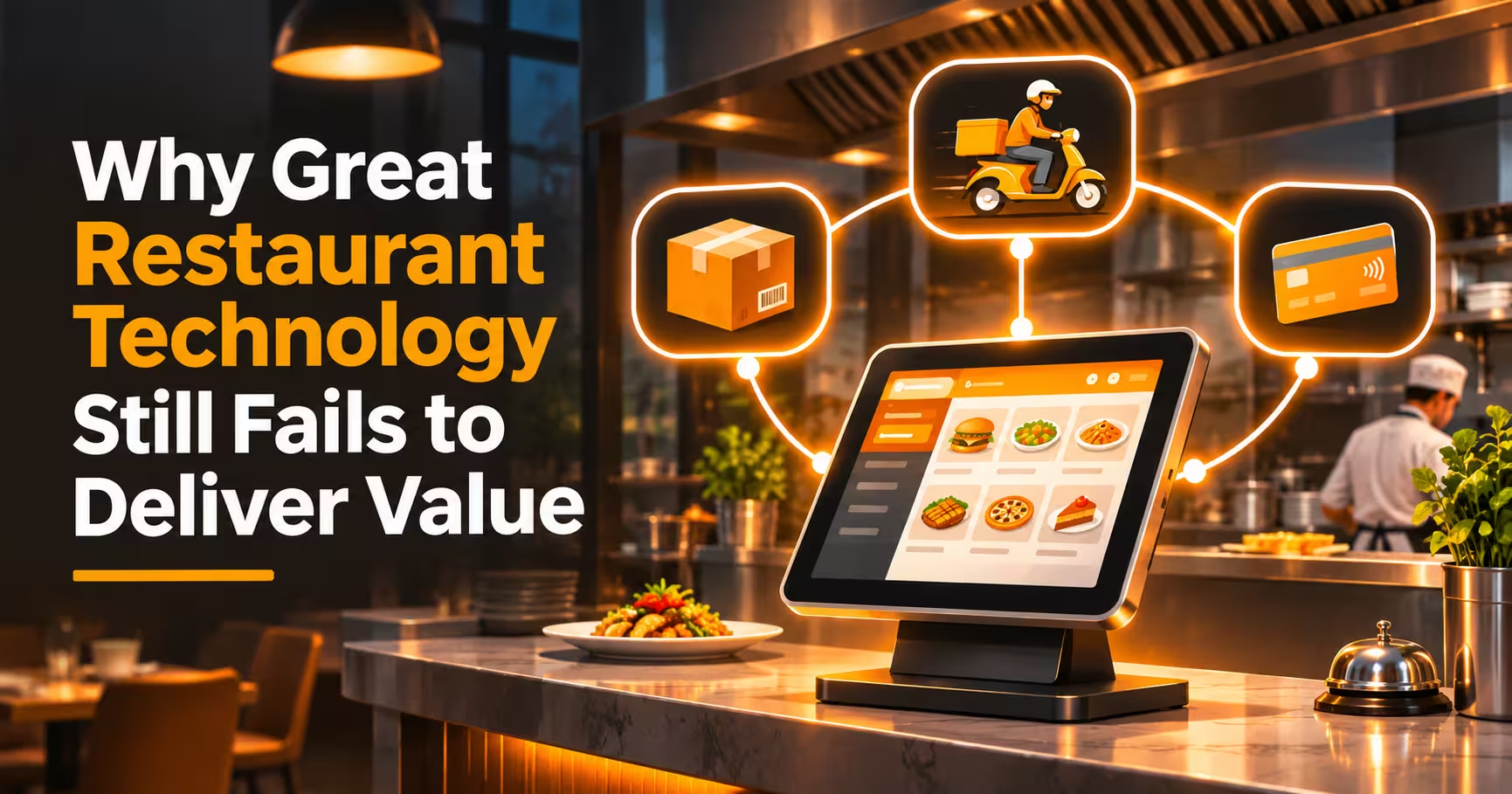

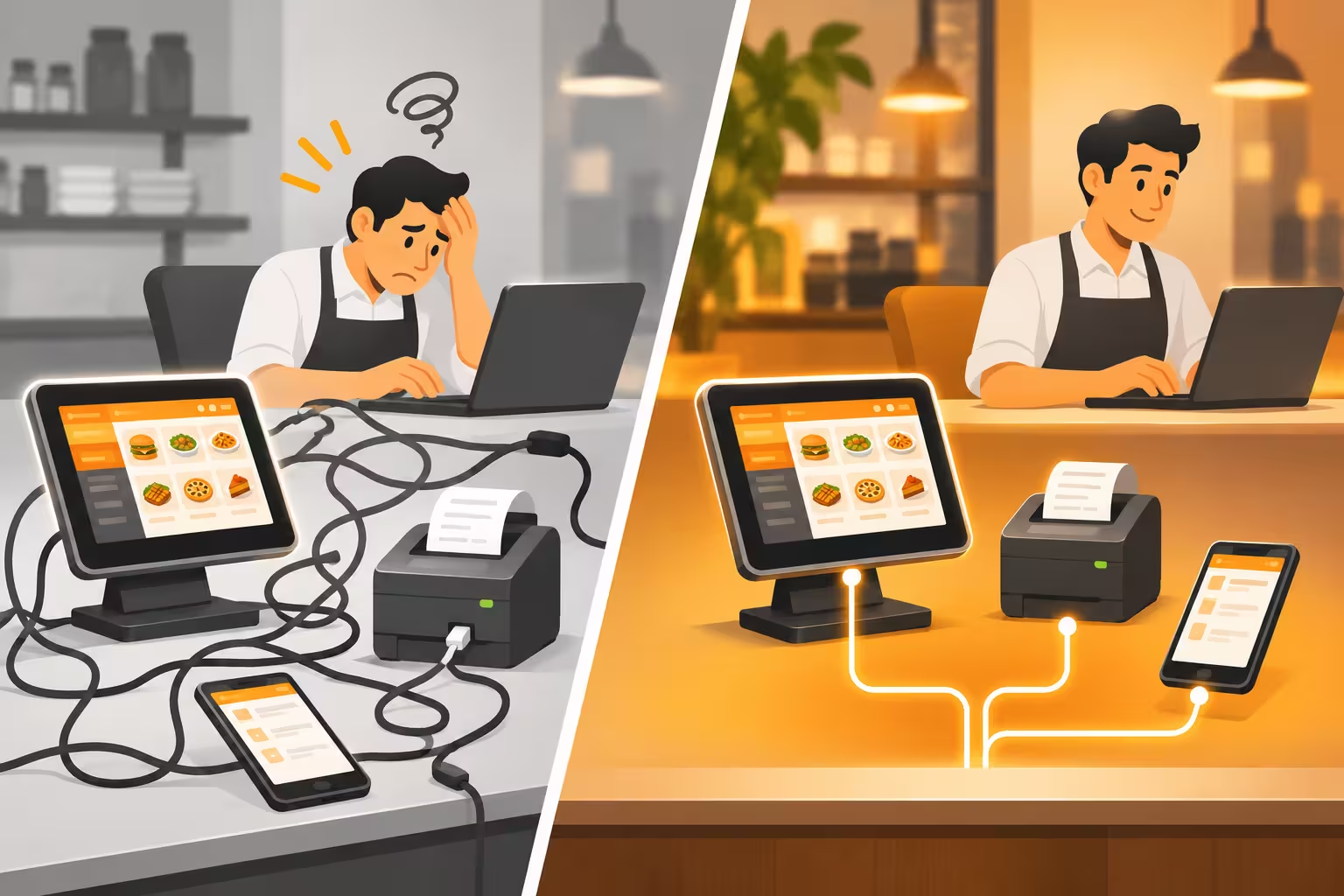
Many restaurants buy good software and still feel no real benefit. The point of sale works, the delivery app works, the kitchen screen works, and yet staff retype orders, stock counts never match, and the owner cannot see one clear picture of the business. The real problem is rarely the quality of each tool. It is restaurant technology integration: whether your systems share information with each other or sit in separate corners. This guide explains why great technology still fails to deliver value, where the gaps appear, and how to fix them.
In this guide
- The Real Problem: Good Tools That Do Not Talk
- Where Value Leaks in a Restaurant
- Warning Signs Your Systems Are Disconnected
- From Separate Tools to a Connected System
- Ways to Connect Your Technology
- What This Means for Kuwait Restaurants
- Questions to Ask Before You Buy Anything New
- Do Not Forget People and Process
- How to Measure Whether Technology Is Delivering
- Common Mistakes
- Frequently Asked Questions
- Final Thoughts
The Real Problem: Good Tools That Do Not Talk
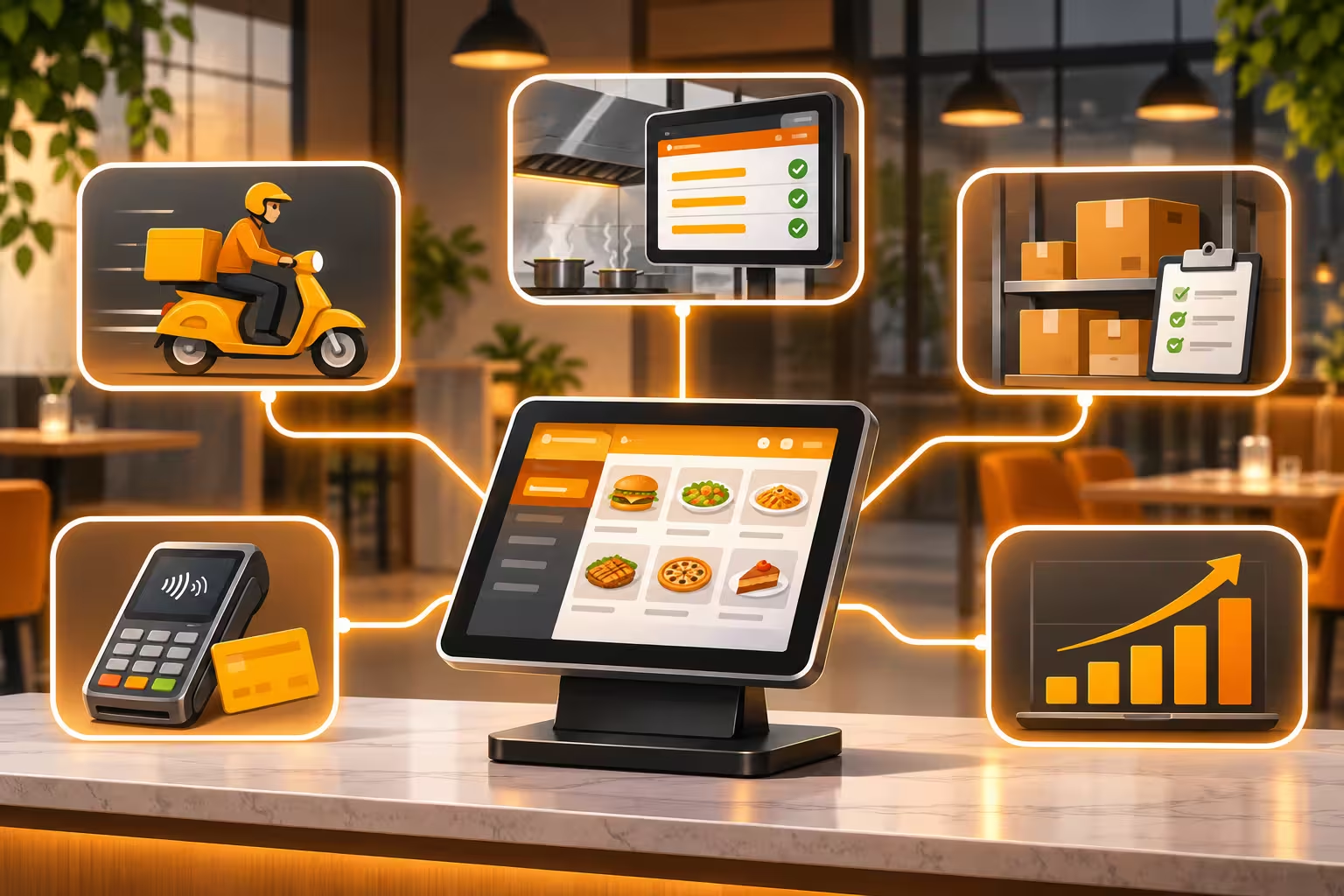
A restaurant is not one process. It is several running at the same time: taking orders from the counter, tables, and delivery apps; sending them to the kitchen; tracking stock; collecting payments; and recording the numbers. Each part usually has its own software. When those tools do not exchange data, people become disconnected, and people are slow, busy, and make mistakes.
That is why a perfectly good system can still disappoint. It does its own job well, but the business pays for the gaps between systems.
Where Value Leaks in a Restaurant
| Gap | What Happens | What It Costs |
|---|---|---|
| Delivery app to POS | Orders arrive on a separate tablet and are retyped. | Slower service, typing errors, and wrong items. |
| POS to kitchen | Orders reach the kitchen late or in different places. | Longer waiting times and unhappy guests. |
| POS to inventory | Sales do not reduce ingredient stock automatically. | Hidden waste, stock-outs, and unreliable food costs. |
| Menu and price changes | Prices and items are updated in each system separately. | Mismatched menus and lost margin. |
| Sales to accounting | Totals are moved by hand at the end of the day or month. | Delays, mistakes, and no real-time view of profit. |
| Branches to head office | Each branch reports in its own format. | Hard to compare branches or spot problems early. |
| Customer data | Dine-in, delivery, and loyalty data stay separate. | No single view of who your best customers are. |
Warning Signs Your Systems Are Disconnected
- Staff retype orders from one screen into another.
- Your delivery app sales and your POS sales never match.
- Stock counts and sales reports tell different stories.
- Changing a price means logging in to several places.
- Month-end takes days because reports are assembled by hand.
- You use several dashboards and still cannot answer a simple question, such as which dish makes the most profit.
- New hires need training on many separate systems.
From Separate Tools to a Connected System
A connected restaurant does not necessarily use fewer tools. It uses tools that share data automatically. In practice, that means:
- One order flow: an order from any channel lands in the same place and goes to the kitchen the same way.
- Live data: sales, stock, and payments update as things happen, not at the end of the day.
- Single source of truth: menu, prices, and item availability are managed once.
- Fast onboarding: adding a branch or a new tool does not mean rebuilding everything.
- Useful reports: channel, branch, and dish-level numbers come from the same data.
Ways to Connect Your Technology
| Approach | How It Works | Consider |
|---|---|---|
| All-in-one platform | One system covers POS, inventory, accounting, and reporting. | Simplest data flow. Check that every module is strong enough for your needs. |
| Built-in integrations | Your POS connects directly to delivery apps, payment gateways, or accounting. | Ask which integrations are live today and who supports them. |
| Integration layer or middleware | A connecting layer links many systems, so you connect once instead of building one-to-one links. | Useful when you already have many tools. Add it to the support and cost picture. |
| Custom API integration | Developers connect systems through an application programming interface (API). | Flexible, but needs development and long-term maintenance. |
| Manual export and import | People move data using spreadsheets or files. | Cheapest at first, but slow and error-prone as you grow. |
What This Means for Kuwait Restaurants
- Delivery apps are central. If Talabat and other platforms bring in a large share of your orders, their orders should enter your system automatically. Ask which integrations are live for your account.
- KNET and card payments must reconcile. Daily POS payment totals should match bank settlements without manual work.
- Arabic and English everywhere. Menus, receipts and kitchen tickets should work in both languages across systems.
- KWD with three decimals. Check that prices and totals stay accurate when data moves between systems.
- Multi-branch growth. Branches should share menus and reporting from day one.
- Local support. When something breaks between two systems, you need someone who can look at both.
For a closer look at the POS side, read our guide to a restaurant POS system in Kuwait with KNET, Talabat and inventory integration.
Questions to Ask Before You Buy Anything New
- Does it connect to the systems we already use? Which connections are live today, not “planned”?
- Does data move automatically, or do we export and import files?
- Who maintains the connection if a delivery platform or payment provider changes something?
- How long does it take to connect a new branch or a new channel?
- Can we get all our own data out if we change providers?
- Is the pricing for integrations clear, or do connections cost extra later?
- Can we test the full flow, from order to kitchen to stock to report, with a real order?
- Who supports us when two systems disagree?
Do Not Forget People and Process
Integration solves the technology gap, but it will not fix everything. Many projects still disappoint because of people and process:
- Training is too short. Staff need practice with real orders, not only a demo.
- Old habits stay. If the team keeps a paper backup, the system never becomes the source of truth.
- No owner. Someone inside the business must be responsible for setup, data quality and results.
- Messy master data. Wrong item names, recipes or prices in one system spread everywhere once connected.
- Too much at once. Roll out in stages: one branch, one channel, one module at a time.
How to Measure Whether Technology Is Delivering
| Measure | What to Look For |
|---|---|
| Order accuracy | Fewer wrong or missing items, especially on delivery orders. |
| Speed of service | Shorter time from order to kitchen and to the guest. |
| Admin time | Less time spent retyping, reconciling and preparing reports. |
| Food cost accuracy | Actual stock use close to what sales say should have been used. |
| Reporting speed | Daily and monthly numbers available without manual assembly. |
| Support requests | Fewer problems caused by systems disagreeing. |
| Time to add a branch or channel | Faster setup than the last time. |
Common Mistakes
- Buying the best tool in each category without checking how they connect.
- Assuming “integration available” means “working for us” without testing a real order.
- Ignoring who maintains the connection after launch.
- Measuring features instead of results, such as order accuracy and admin time.
- Skipping data cleanup before connecting systems.
- Rolling out everywhere at once instead of piloting.
- Leaving training to the first busy week.
Frequently Asked Questions
Why does good restaurant technology still fail?
Often because systems do not share data. Staff end up retyping orders, reconciling reports and fixing mismatches by hand, which wipes out the benefit of each individual tool.
What is restaurant technology integration?
It is connecting your POS, delivery apps, kitchen systems, inventory, payments, and accounting so information flows between them automatically.
Do I need one all-in-one system?
Not necessarily. An all-in-one platform simplifies data flow, but a mix of tools can work well if they are properly connected and supported.
Can delivery app orders go straight into my POS?
Some systems support this. Availability depends on the POS, the delivery platform and your account, so ask which integrations are live and test one before you commit.
How do I start improving integration?
List your tools, mark where staff retype or export data, and fix the biggest gap first. Usually that is delivery orders into the POS, or sales into stock and accounting.
Is integration only for large restaurant groups?
No. Even a single outlet benefits from connected orders, stock and payments. The benefit grows as you add channels and branches.
Final Thoughts
Great technology fails to deliver value when it works alone. The fix is rarely another tool. It is connecting what you already have, choosing new systems for how well they fit into your operation, and giving your team the training and ownership to use them. Start by finding where staff still retype data, close that gap first, and measure the result in accuracy, speed and time saved.
Want your restaurant systems working together?
Talk to Merak Tech about your POS, delivery channels and inventory setup, and request a demo. Contact us here.