
Odoo XBRL Kuwait setup is the technical piece that determines whether your business can actually file through the Qayd portal — or whether you’re stuck manually re-keying financial statements every year. Here’s the honest picture: Odoo doesn’t ship XBRL export out of the box, so getting Qayd-ready means adding that capability deliberately, not assuming it’s already there.
In This Guide:

Does Odoo Have Native XBRL Support?
No — not by default. This surprises a lot of business owners who assume “IFRS-ready accounting software” automatically means “XBRL-ready.” On Odoo’s own community forum, users asking about XBRL support for other countries’ regulators have been told there’s nothing built in.
That’s not a dead end, though. Odoo’s accounting engine is IFRS-aligned by design, with structured account types and financial reports—which makes it a strong foundation to build an Odoo XBRL Kuwait module on top of, even though the export layer itself has to be added.
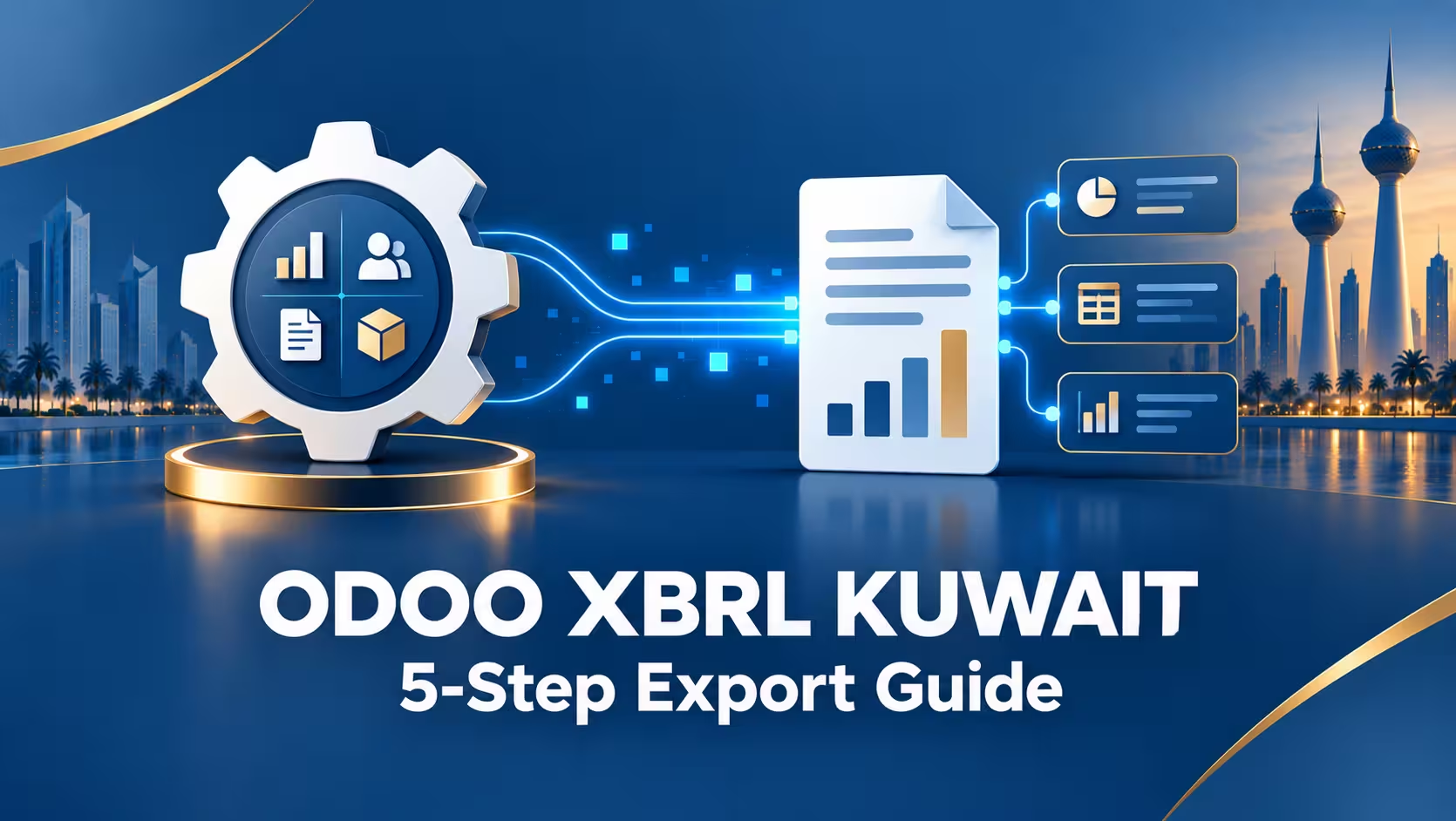
How an Odoo XBRL Module Works
A Qayd-ready Odoo XBRL Kuwait module typically adds a dedicated XBRL tab to the Chart of Accounts form. From there, each account gets mapped to the correct IFRS taxonomy element—the classification the Qayd portal expects to see when it validates your filing.
The module then reads your existing financial reports—balance sheet, income statement, and cash flow—and converts them into a validated XBRL instance document, tagging every figure according to the mappings you’ve set up, ready to upload to the Qayd portal.
5 Steps to Export a Qayd-Ready XBRL File
- Install or build the XBRL module. This is either a custom-built extension for your Odoo instance or a partner-developed module designed specifically for the Qayd taxonomy.
- Set the correct account type on every account. This single field controls whether Odoo treats a balance as current or non-current, asset or liability, or income or expense—and it feeds directly into how your reports (and eventually your XBRL tags) get classified.
- Map each account to its IFRS taxonomy element. With the module installed, this happens on the account’s new XBRL tab—this is the step that actually connects your data to Qayd’s expected format.
- Generate the XBRL instance document. The module pulls your standard financial reports and outputs a tagged XBRL file based on your account mappings.
- Upload and validate on the Qayd portal. This confirms whether your mappings and data pass the Ministry’s validation rules — and it’s exactly why testing during the voluntary window matters.
Why Chart of Accounts Setup Matters So Much
| Account Setting | Why It Matters for XBRL |
|---|---|
| Account Type | Determines current/non-current and asset/liability/equity/income/expense classification |
| Allow Reconciliation | Needed for receivables, payables, and clearing accounts to match correctly |
| IFRS Taxonomy mapping | The direct link between your account and the specific XBRL tag Qayd expects |
| Default Taxes | Relevant if the account carries tax data that needs to be reflected in reporting |
Most Odoo XBRL Kuwait implementation delays come from messy or inconsistent chart of accounts setup, not from the module itself. Getting this right first makes every later step faster.
Read more: Chart of Accounts Mapping for XBRL Kuwait: Step-by-Step
One Setup, Two Filings (Qayd + Ifsah 2)
If your company is listed and already handling CMA reporting, the same Odoo XBRL Kuwait configuration can often support both filings from one source of truth — since both Qayd and the CMA’s Ifsah 2 system rely on the same underlying XBRL standard, just with different taxonomies and portals.
Frequently Asked Questions
Can I use a standard Odoo Apps Store module for this?
As of now, Qayd-specific XBRL export isn’t a standard listing — most businesses work with a Kuwait-based Odoo partner to build or install a module tailored to the Qayd taxonomy specifically.
Do I need Odoo Enterprise, or does Community edition work?
Both can technically be extended, but Enterprise’s more complete accounting and reporting engine generally makes the XBRL mapping work more straightforward.
How long does an Odoo XBRL Kuwait setup usually take?
For a business already on a reasonably clean Odoo instance, module setup and chart of accounts mapping typically takes several weeks; a full migration from another system adds significantly more time.
What happens if my chart of accounts is messy?
Expect delays. Inconsistent account types and missing IFRS mappings are the most common reason XBRL exports fail validation on the Qayd portal.
Get Your Odoo Instance Qayd-Ready
MerakTech builds and configures Odoo XBRL Kuwait modules, maps your chart of accounts to the correct IFRS taxonomy, and gets you filing-ready before 2027.